

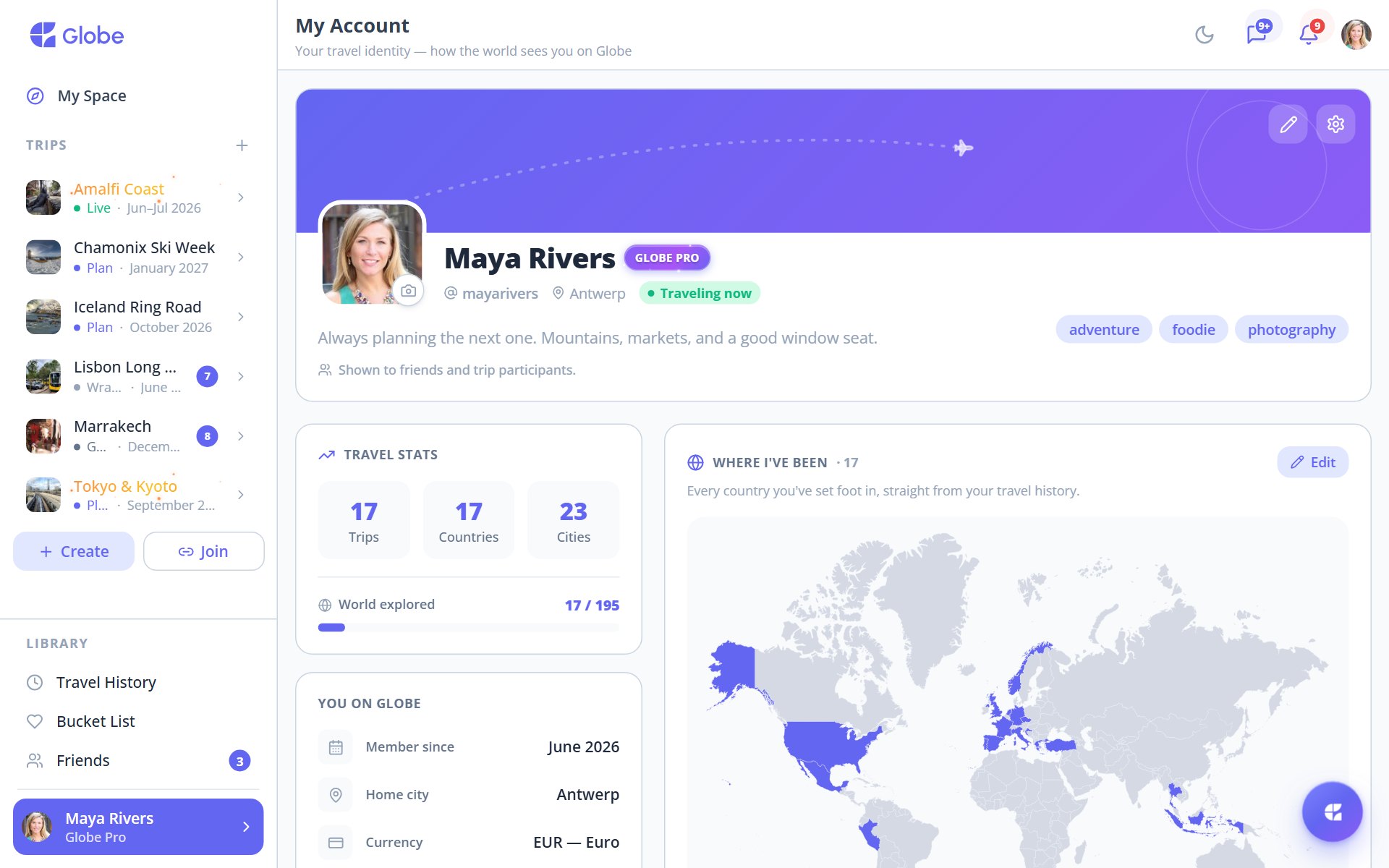
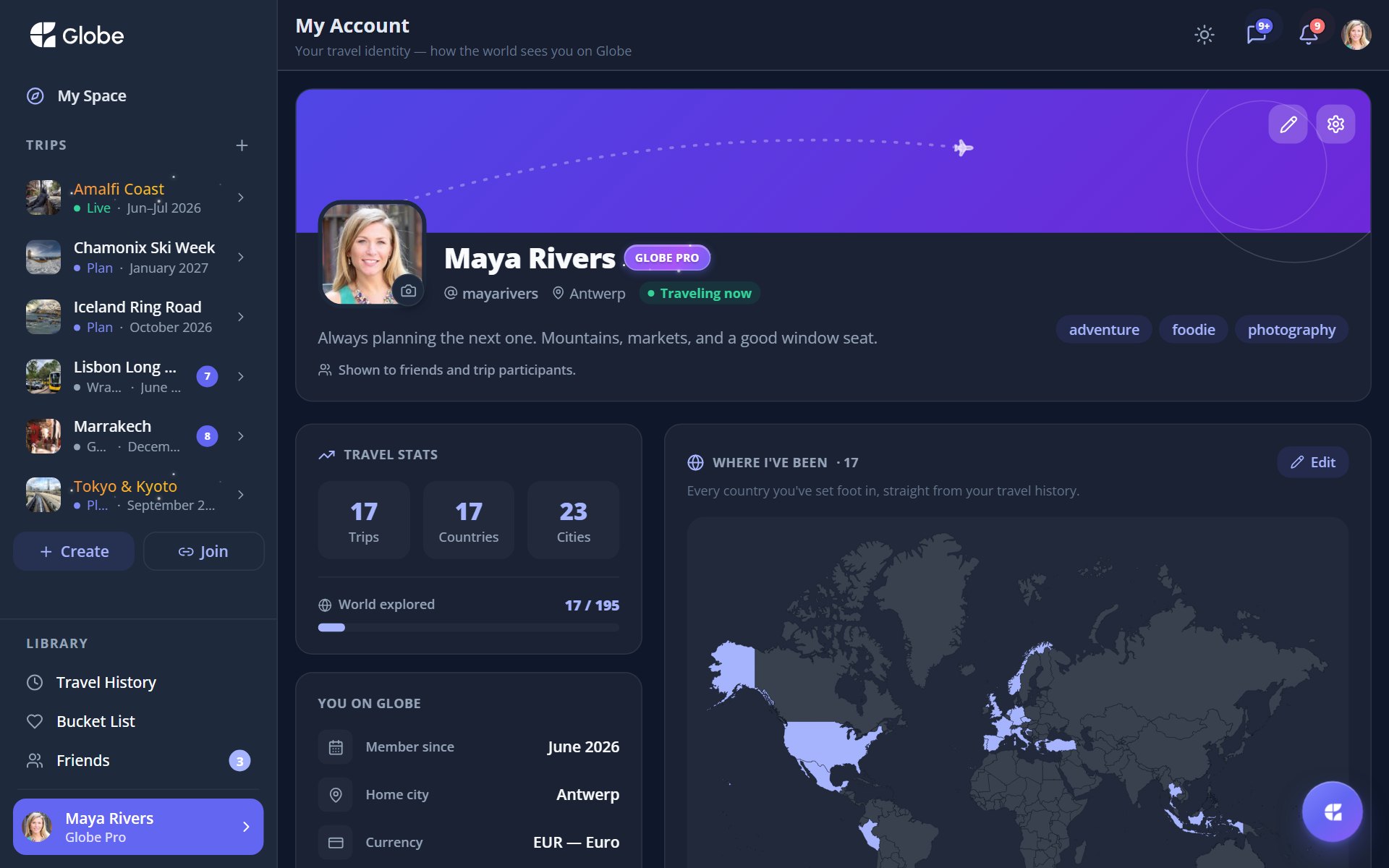
Your Passport lives in My Account. It's the face you show the rest of Globe. A gradient passport card carries your avatar, name, @username, home city, a short bio, and your travel-style chips. Below it sit your stats, your facts, and a map of everywhere you've been.
The passport card
Tap your avatar to change it. The card shows your name, @username, home city, a short bio, and your travel-style chips. If you're subscribed, a Globe Pro badge sits on it. And when you're mid-trip, a 'Traveling now' pill appears so friends know you're on the road.
What's below the card
- Travel StatsTrips taken, countries, cities, and the percentage of the world you've explored.
- You on GlobeA facts card: member since, timezone, currency, language, and your plan.
- Where I've BeenA world map shaded with every country you've travelled to.
Edit it all from the Edit Profile drawer: name, @username, home city, bio, travel style, and date of birth. Save and your passport updates everywhere it appears. To friends, the passport is read-only: they see your card, stats, and map, but only you edit it.
- Fill in your travel-style chips. They show on your passport and where you overlap with friends.
- Set your home city. It anchors your stats and the way the world map frames itself.
Try Your Passport on a real trip.
Globe brings everything your group needs into one shared space. Free forever.