

Deleting your account is permanent, so Globe makes it deliberate and transparent. You'll find it at the bottom of Settings, and it opens a short three-step wizard that spells out exactly what happens before a single thing is erased. There's a gentler option along the way too, in case you only need a break.
Where to find it
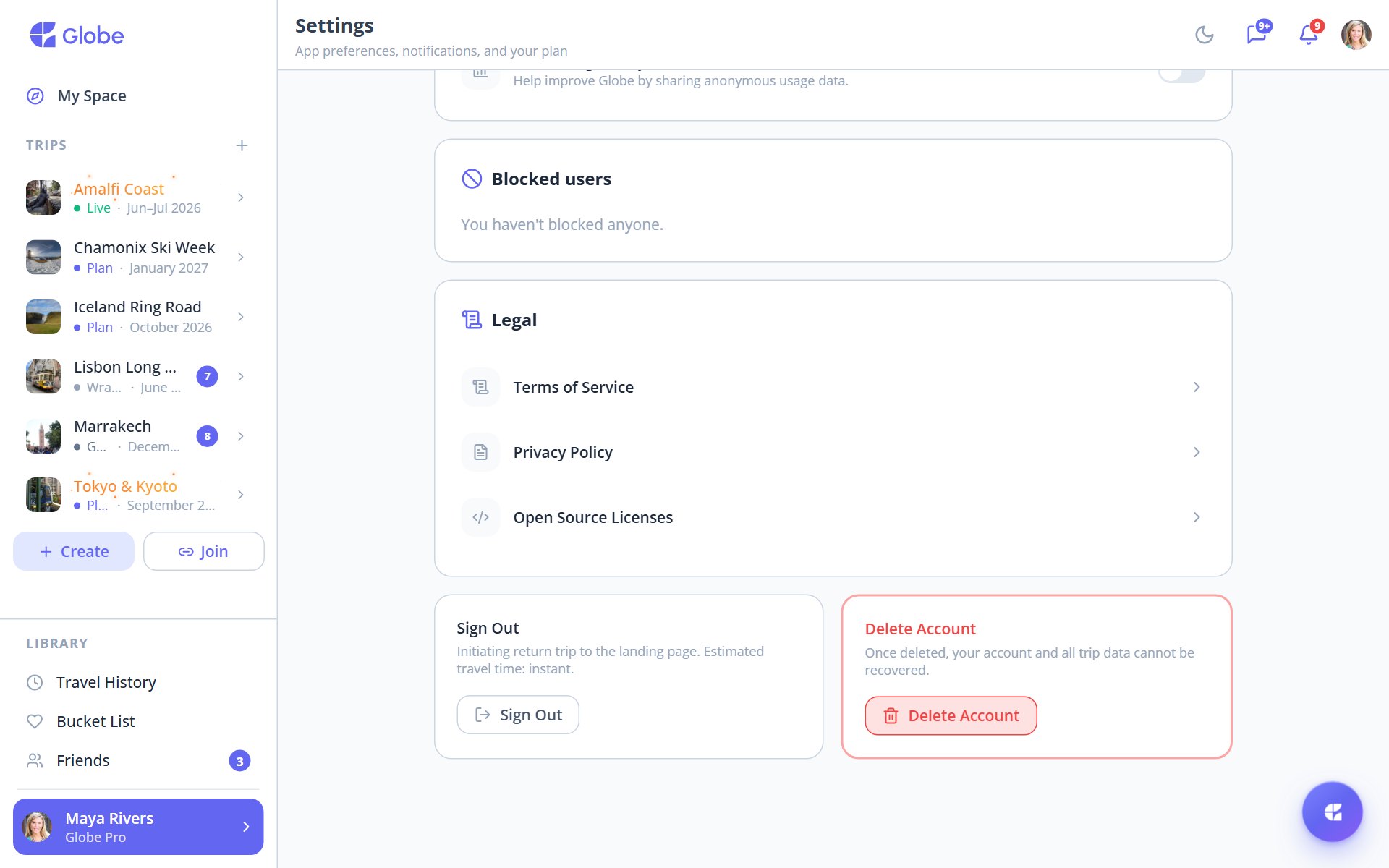
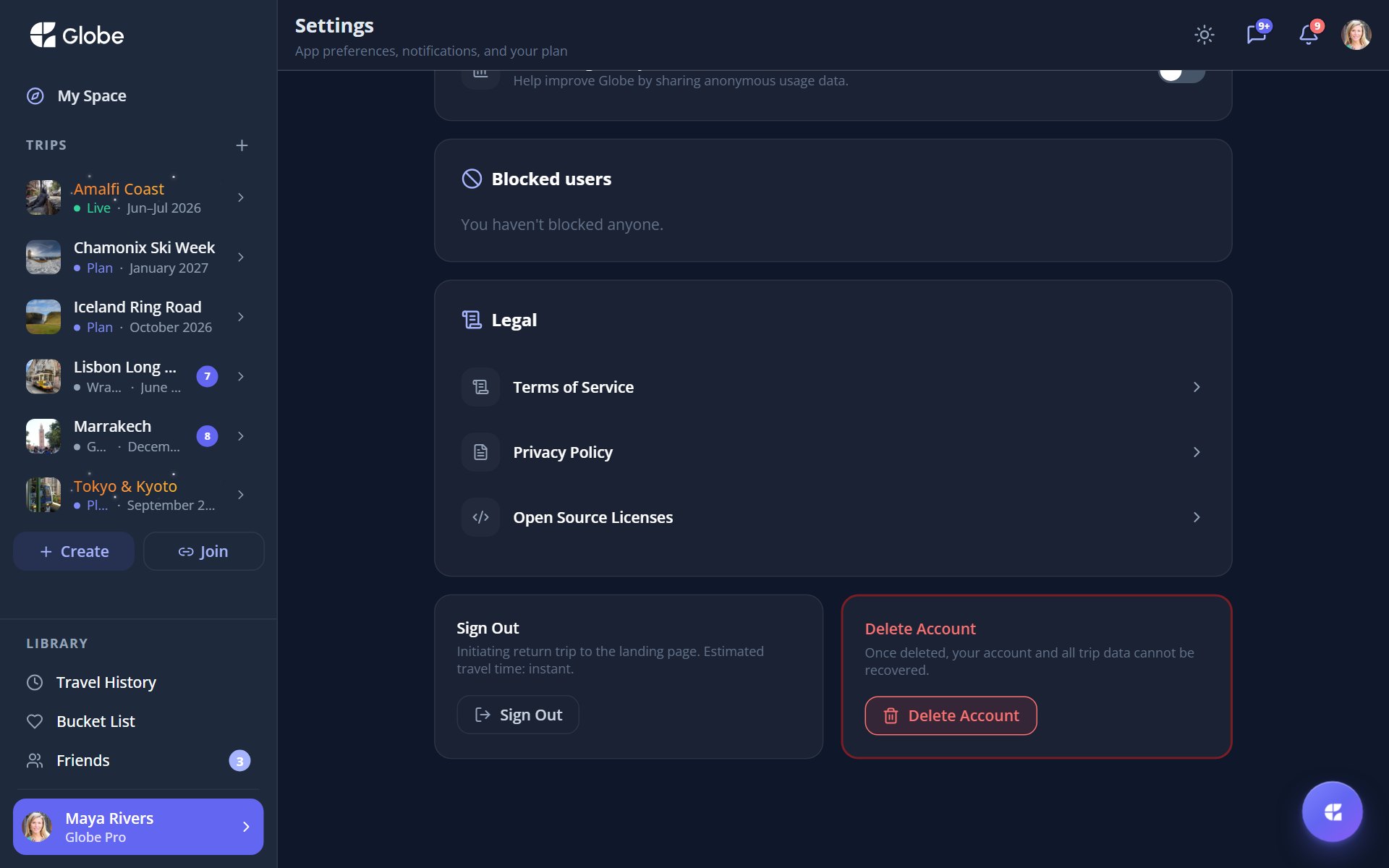
Open Settings and scroll to the very bottom. Next to Sign out sits a red Delete Account card with a plain warning: once deleted, your account and all trip data can't be recovered. Tapping it opens the wizard.
Step 1: Review what happens
The first step lays it all out, split into two honest groups so there are no surprises: what's permanently removed, and what's kept and handed to the group.
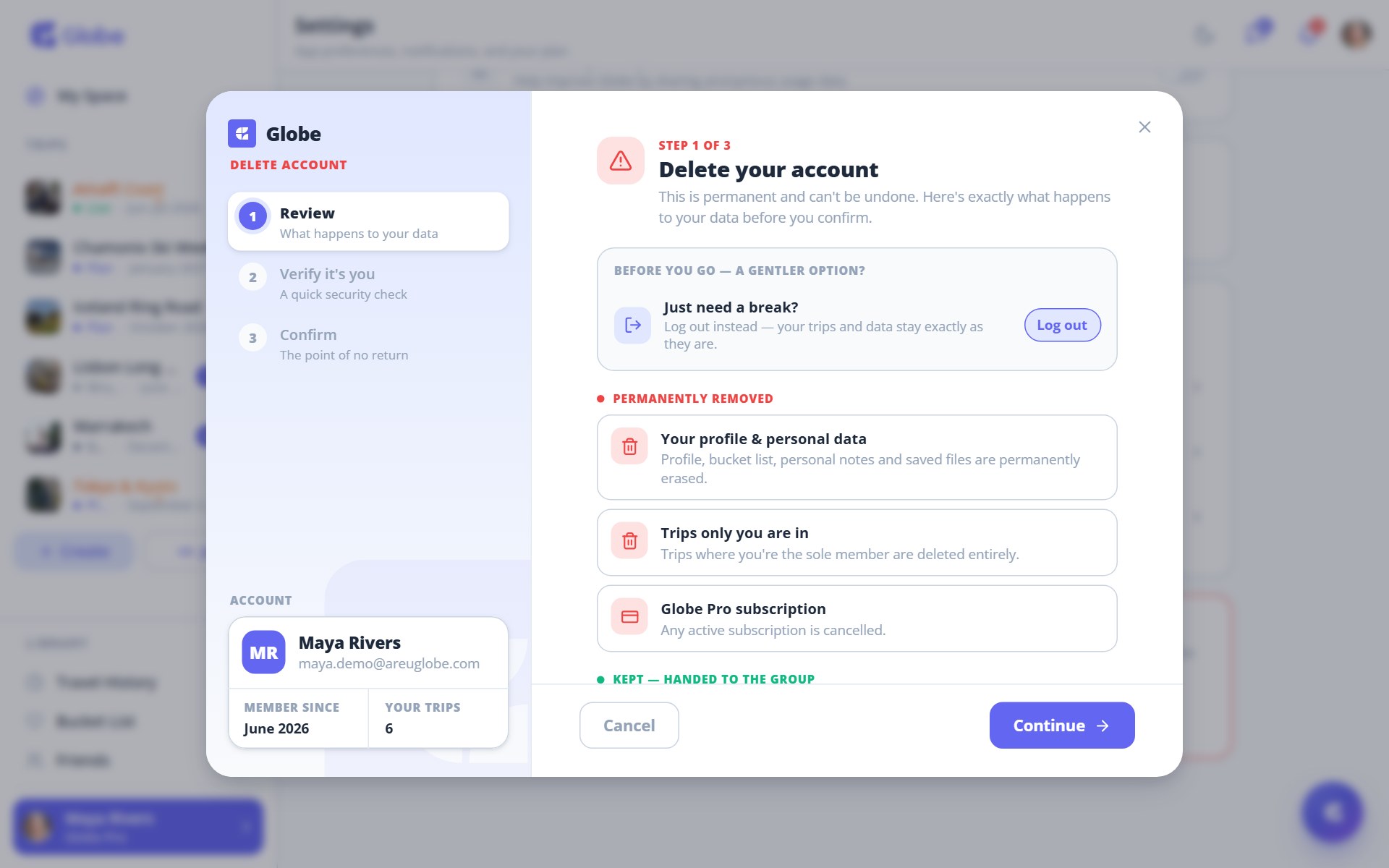
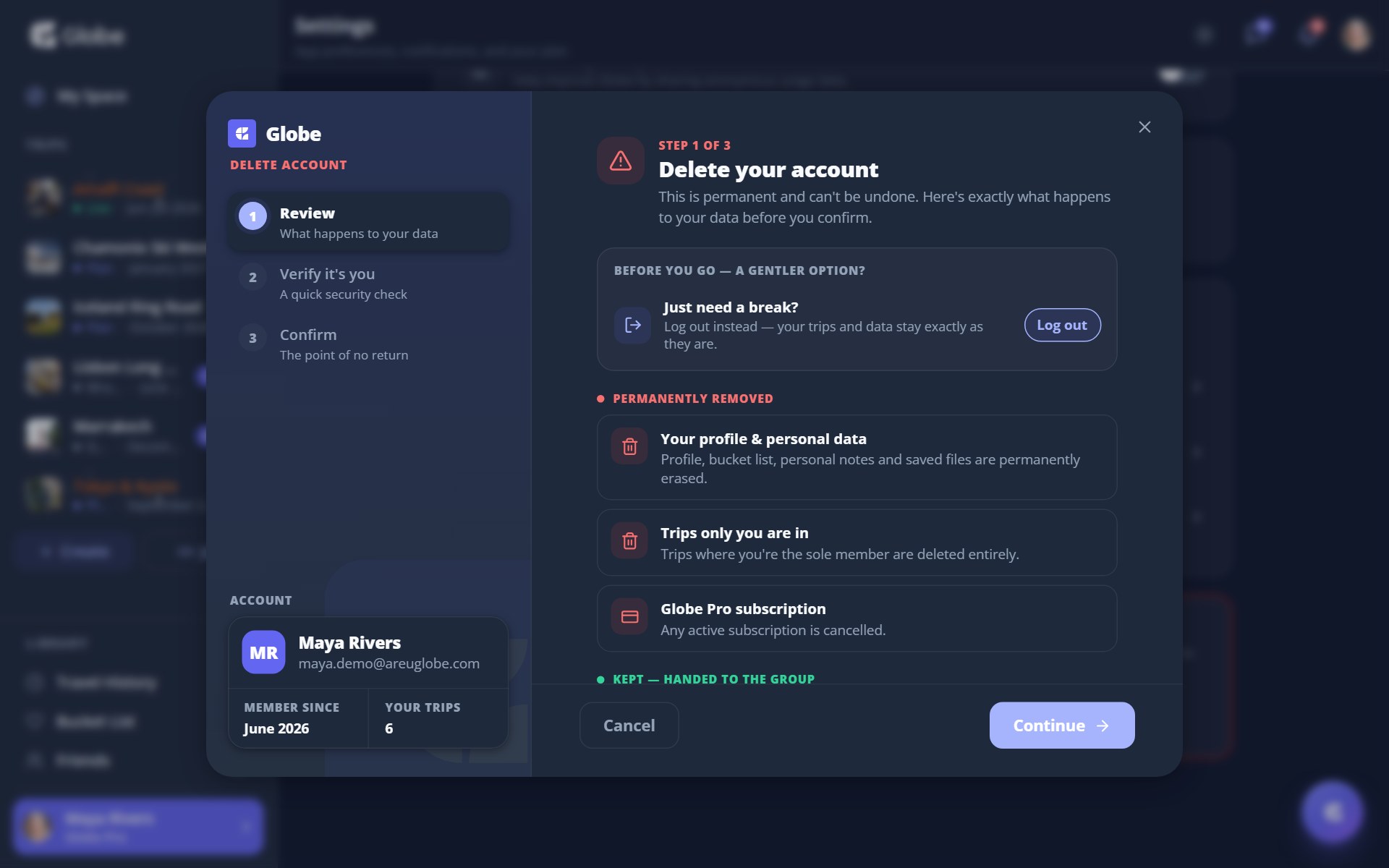
- Your profile and personal dataYour profile, bucket list, personal notes, and saved files are permanently erased.
- Trips only you are inTrips where you're the only member are deleted entirely.
- Globe Pro subscriptionAny active subscription is cancelled.
- Your shared contributionsMessages, photos, and expenses in shared trips stay for the group, shown as "Deleted user".
- Trips you organiseHanded to the longest-standing member so the group keeps planning.
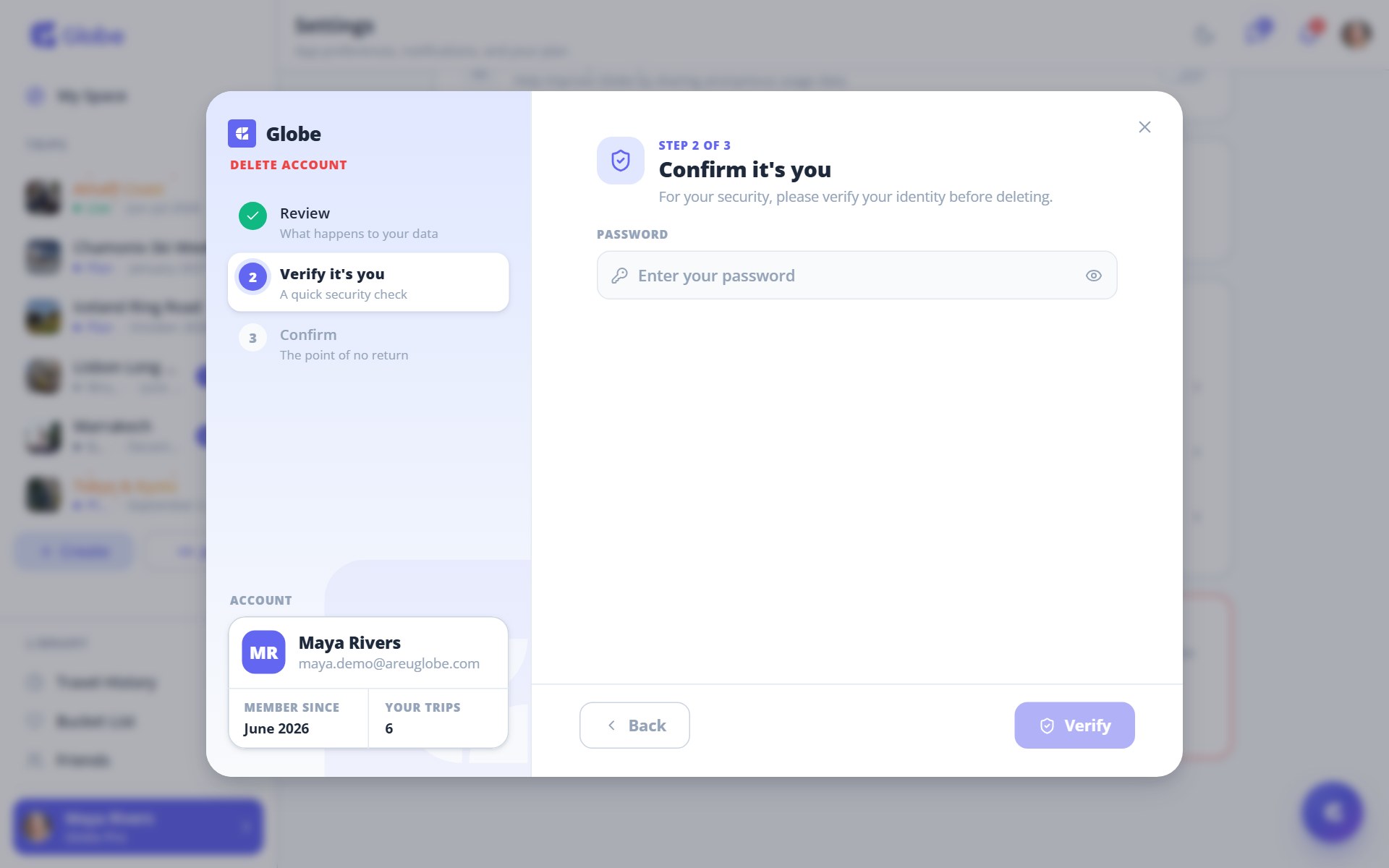
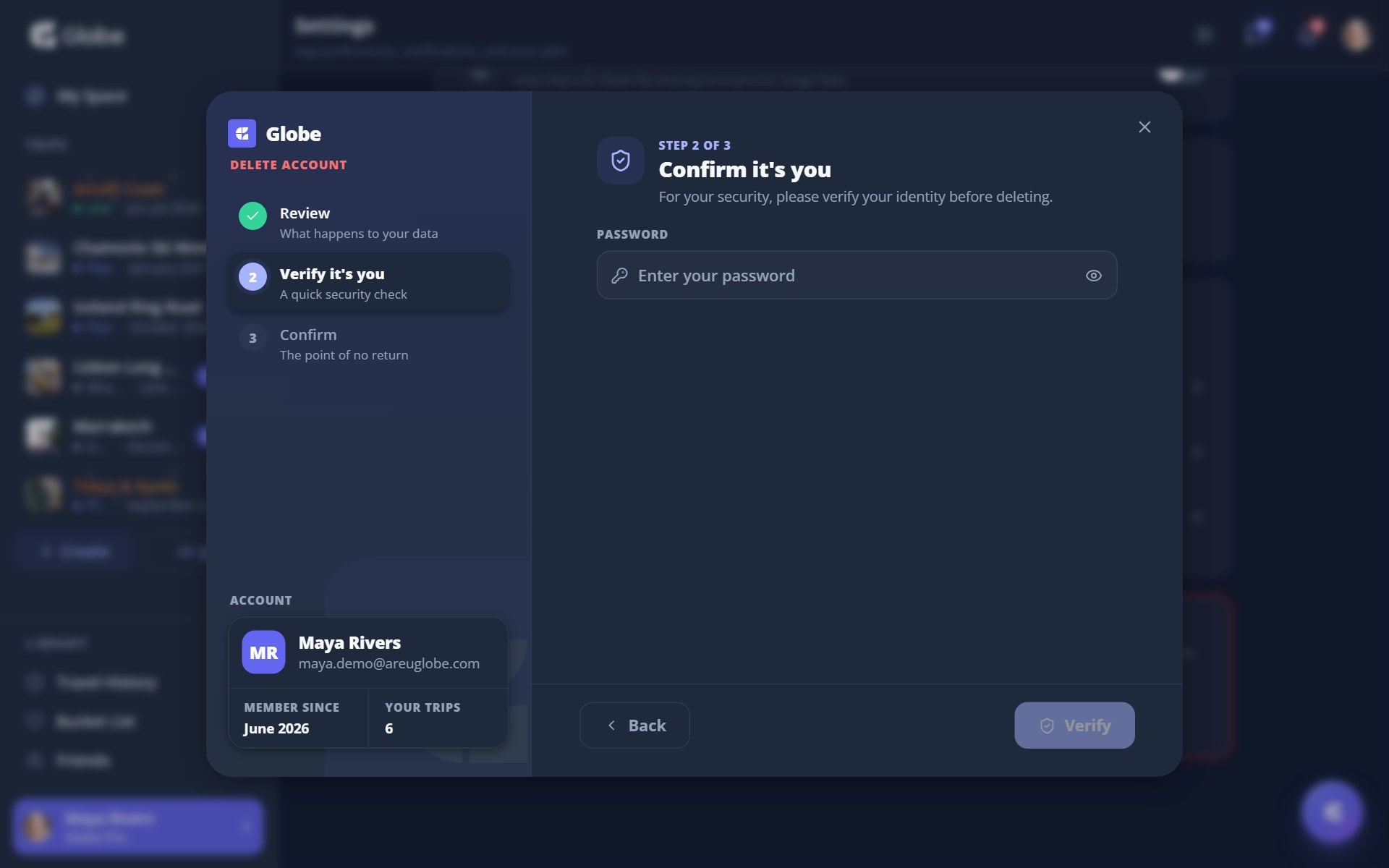
Step 2: Confirm it's you
For your security, Globe verifies your identity before going further. Signed up with an email and password? You re-enter your password. Used Google or Apple? You re-confirm with that provider.
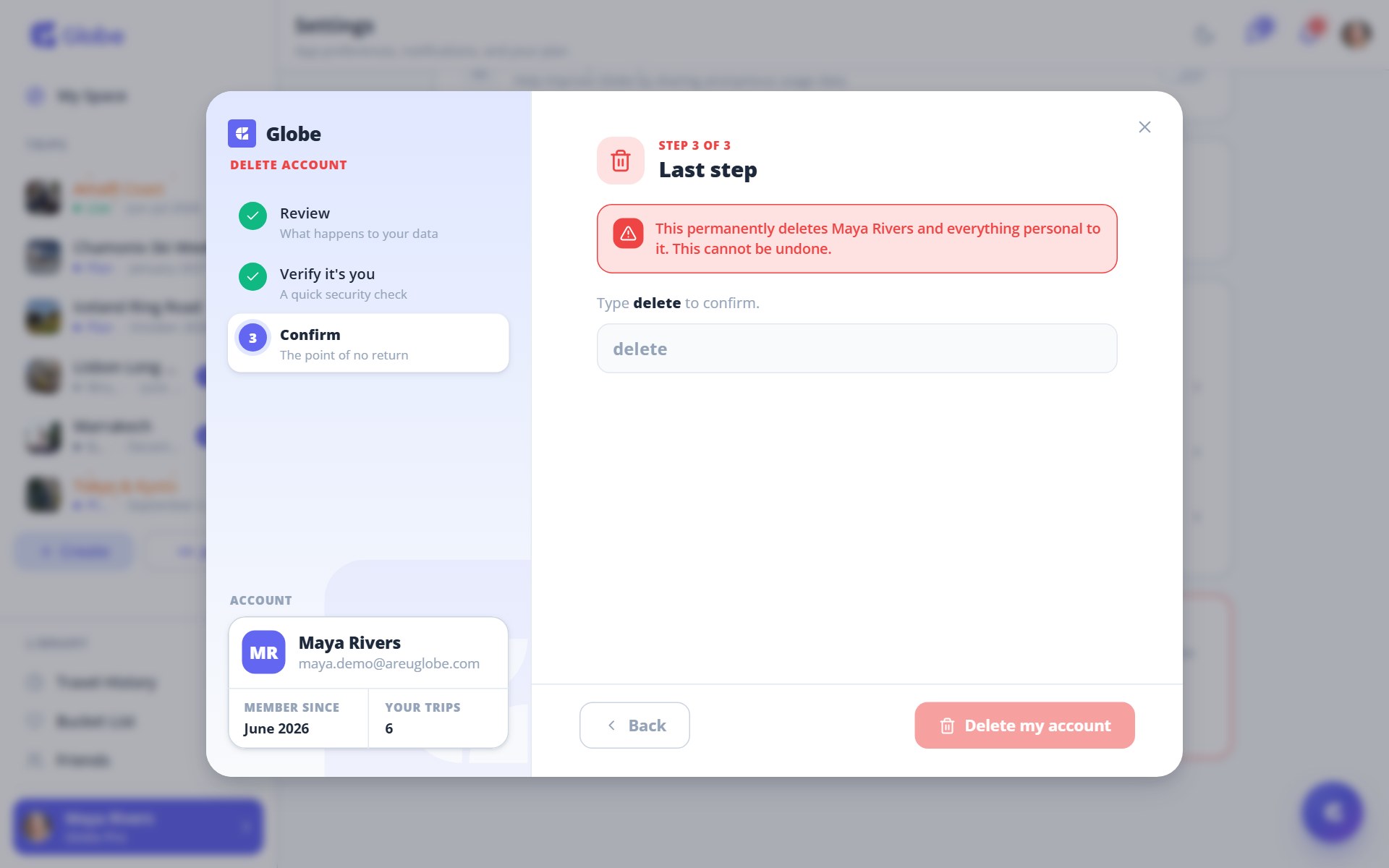
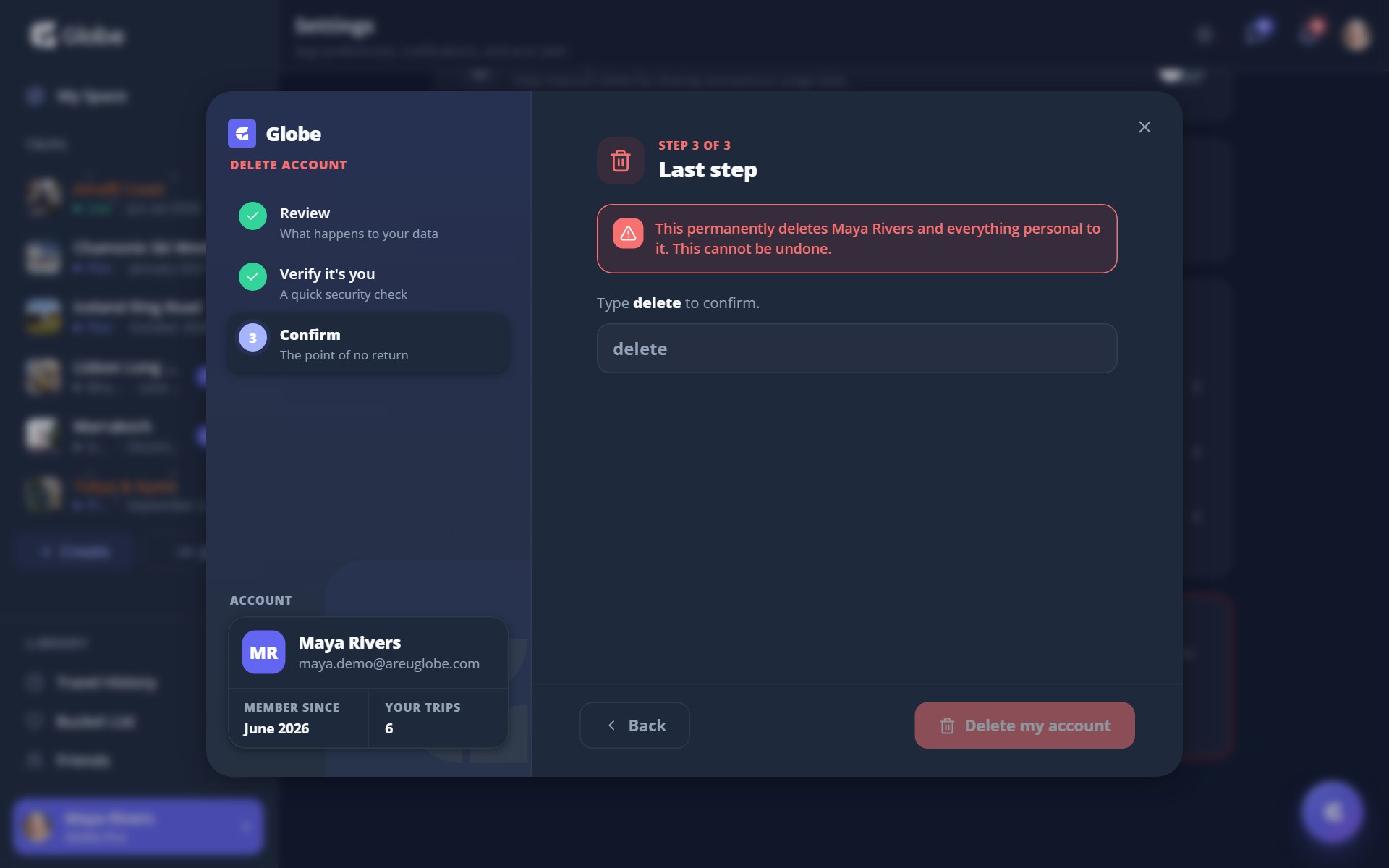
Step 3: Type 'delete' to confirm
The last step is the point of no return. A red warning names your account, and you type the word delete to unlock the final button. Tap Delete my account and Globe starts erasing your data.
What happens next
A short "Deleting your account" screen runs while everything is removed, then a farewell confirms you're signed out and your personal data is on its way out. Back to login returns you to the start. The account itself can't be recovered, though you're always welcome to sign up fresh.
- Not sure yet? Use the log-out option on step one. It changes nothing, and you can return whenever.
- Deleting an account you organise? The trip is handed to the longest-standing member, so the group keeps planning without you.
- Paid through the App Store or Play Store? Cancel the subscription there as well, since the in-app deletion won't.
Try Deleting Your Account on a real trip.
Globe brings everything your group needs into one shared space. Free forever.