

Globe tells you what's happening across your trips and then gets out of the way. A bell opens your in-app activity. A separate Message Center handles chat. And push notifications reach you on mobile and web, each one switchable on its own.
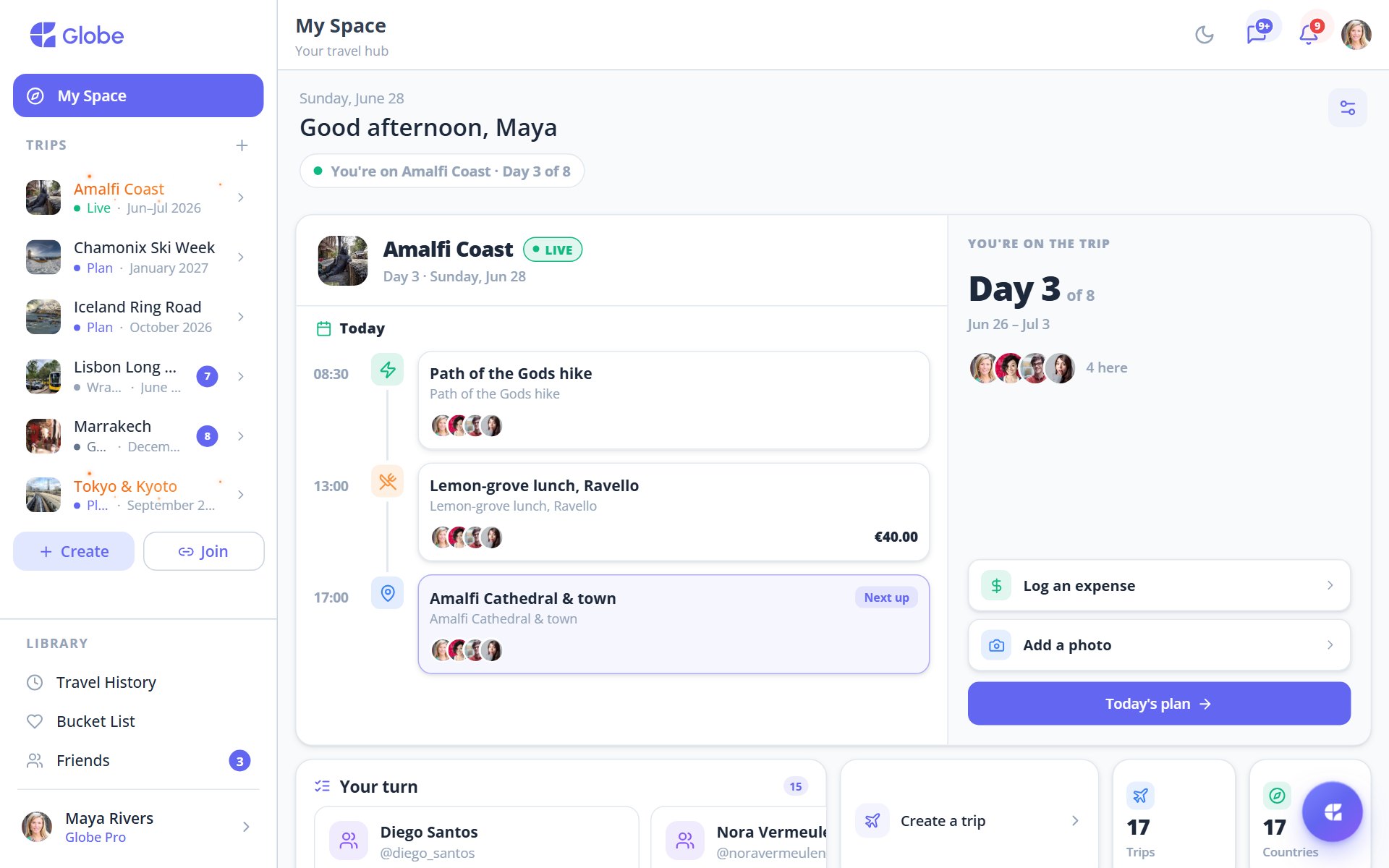
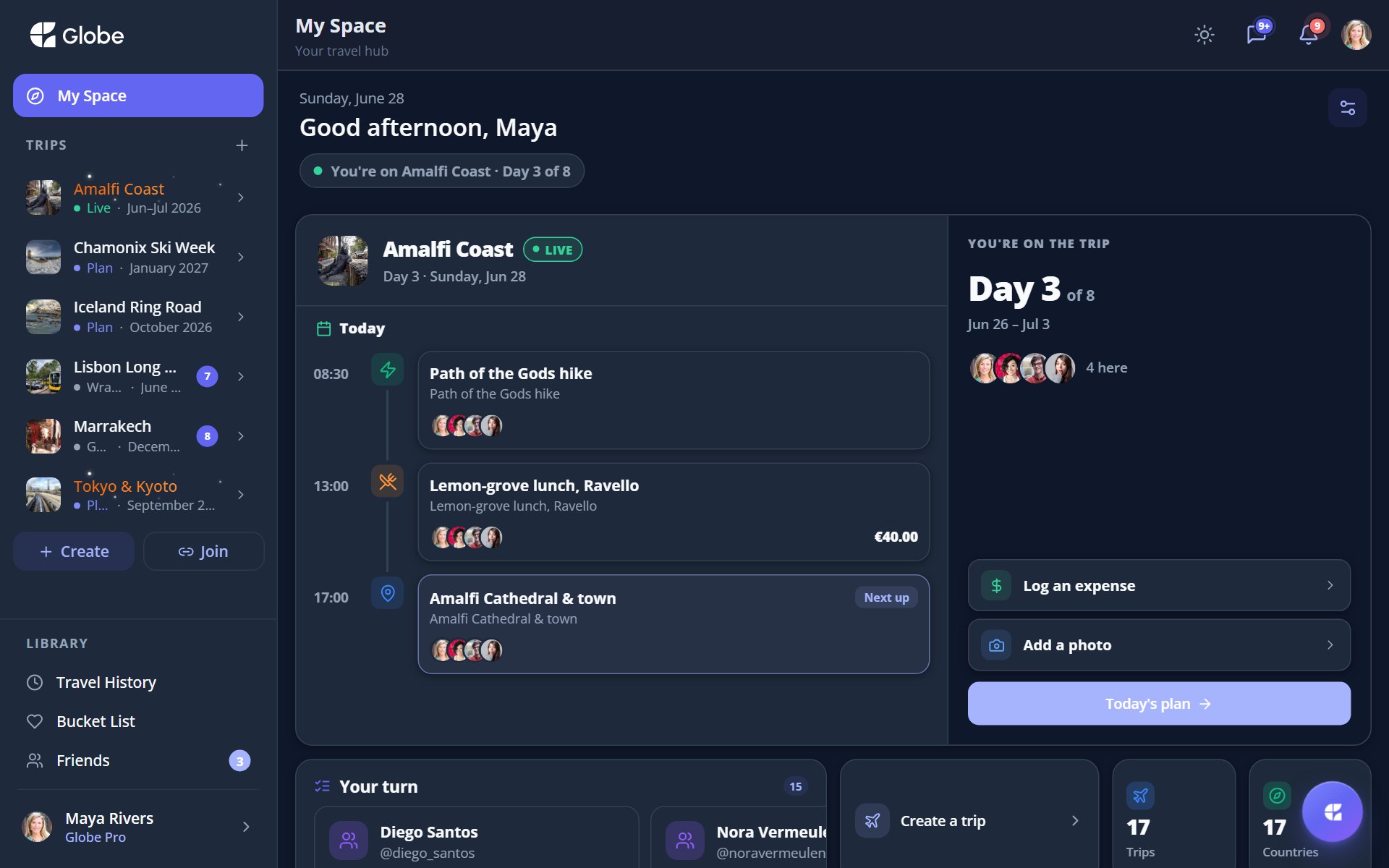
The Notifications panel, grouped by trip with a general feed.
The Notifications panel and Message Center
Tap the bell to see activity across your trips: new proposals, comments, polls, expenses, tasks, photos, notes, member joins, and friend events. It's grouped by trip with a general feed. Tap any item to jump straight to it, or mark all as read. A separate Message Center summarises unread chats per trip, and on the web you can pop out a docked quick-chat window.
Push notifications
- MessagesNew chat messages on your trips, on mobile and web.
- @mentionsWhen someone tags you. It reaches you even if you've muted that trip.
- Trip updatesChanges that matter across the trip.
- Availability nudgesGentle prompts to mark your dates while planning.
- Document remindersA nudge to save trip documents for offline use.
Switch each one on its own
Every push type is independently switchable in Settings then Notifications. An @mention still reaches you even when you've muted the trip, so you'll never miss the important ask.
Pro tips
- Muted a busy trip? An @mention still gets through, so you won't miss the important ask.
- On the web, pop out the quick-chat window to keep an eye on a trip while you plan.
Try Notifications & Inbox on a real trip.
Globe brings everything your group needs into one shared space. Free forever.