

The Notes tab is a shared, real-time editor, like Google Docs for your trip. Everyone writes on the same page and changes appear as they happen. It's the place for the packing list, the loose ideas, and the running plan.
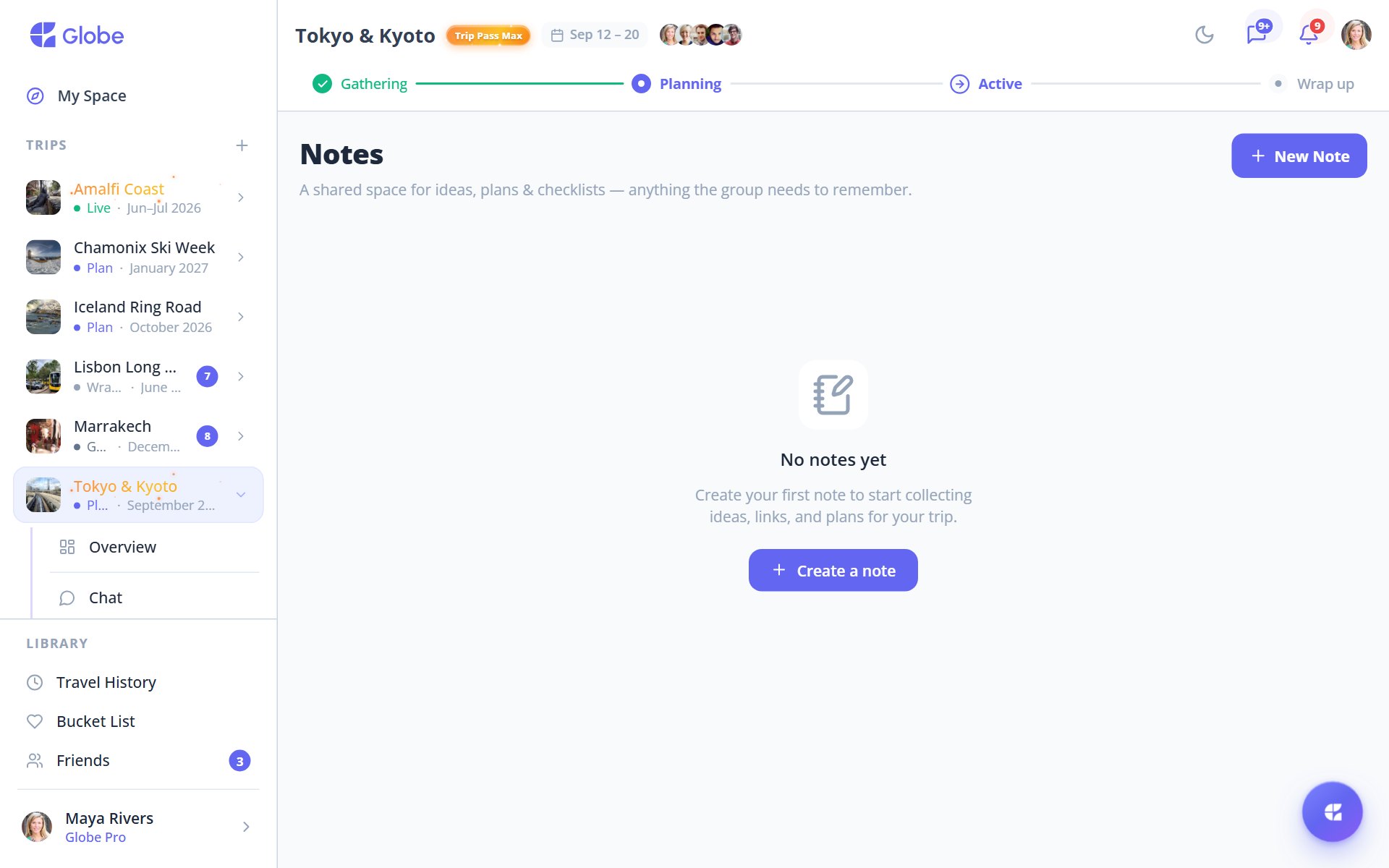
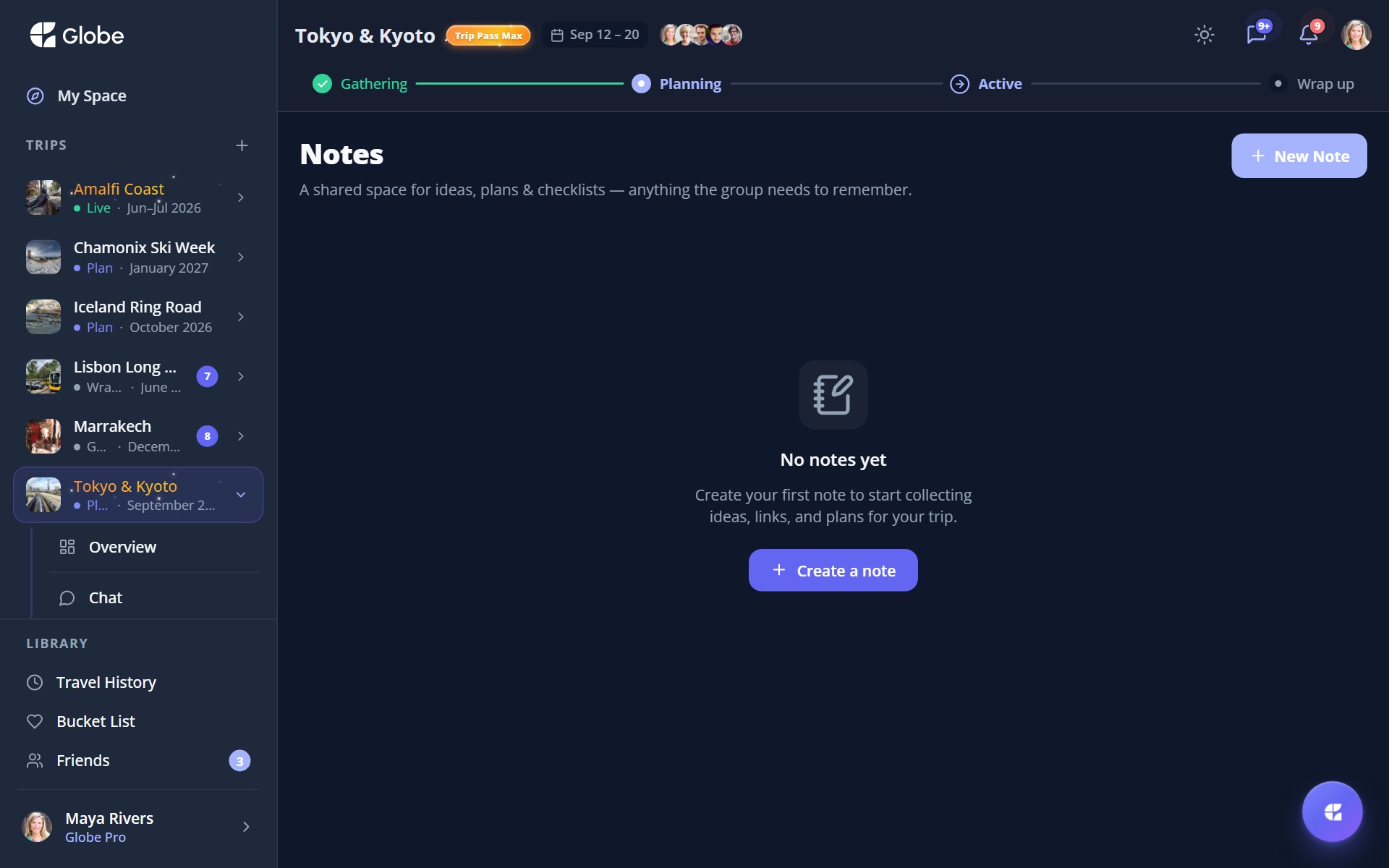
The shared Notes board with color labels.
Write it together, live
Co-edit in real time and see who else is in the note as they type. Each person's contributions get a colored author rail so you can tell who wrote what. Toggle it on or off with Show authors whenever you want a cleaner view.
Rich enough for real plans
Add headings, bold and italic, bullet and numbered lists, and checklists you tap to tick off. Drop in images too: paste on web or pick on native, resize them small, medium, or large, and align them how you like.
- Color labelsTag notes as General, Ideas, Food, Logistics, Packing, or Memories.
- Filter by chipTap a label chip to narrow the board to just what you need.
- Pin a notePin one note to the top so the important one stays in reach.
- Grid or listView your notes as a grid or list board, whichever you prefer.
- Search and sortSearch across notes and sort by Last edited, Recently added, or Title A–Z.
Private and personal notes
Free trips include a small number of shared notes, and Trip Pass or Globe Pro raise the cap. Private notes only you can see, and personal notes not tied to any trip, are Globe Pro features.
Pro tips
- Turn on Show authors when you want to see who added what, then toggle it off for a clean read.
- Pin the packing list or master plan so it's always the first note you see.
- Lean on color labels early. Filtering by Food or Logistics beats scrolling later.
Try Collaborative Notes on a real trip.
Globe brings everything your group needs into one shared space. Free forever.