

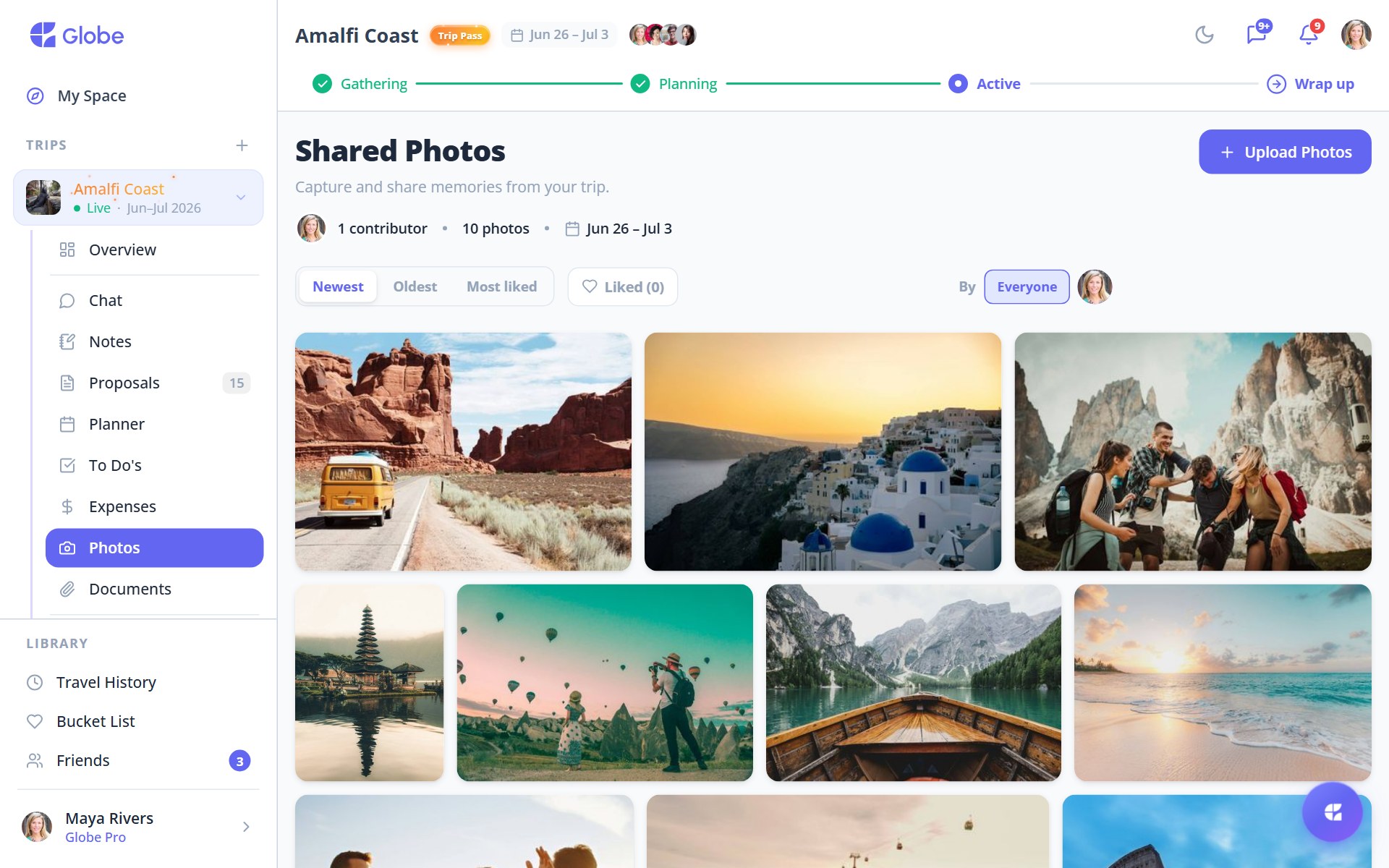
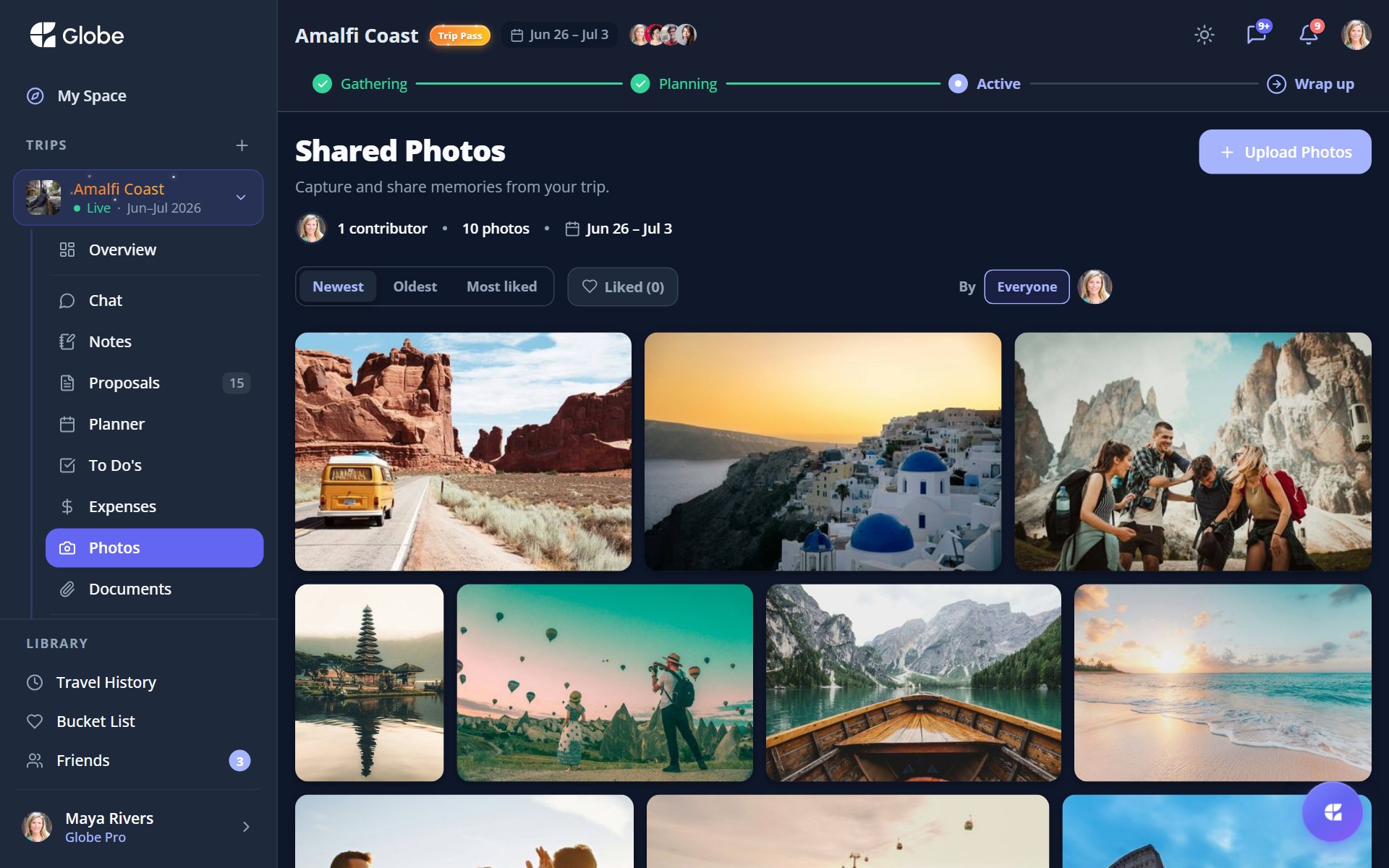
The Photos tab pools everyone's shots into a single album. Upload a batch and Globe builds a fast, justified gallery that mixes portrait and landscape on the fly. No more chasing people for their camera roll after the trip.
Upload a whole batch
Pick many photos at once. They upload in the background with a progress bar, so you can keep scrolling while they land. Photos sent in chat show up here too, so the album stays complete.
Browse, like, and filter
Double-tap to like a shot. Sort by Newest, Oldest, or Most liked, and filter by contributor to see just one person's photos. Open any picture full-screen in the lightbox to swipe between shots.
- SwipeMove between photos without leaving the lightbox.
- LikeTap the heart, or double-tap straight from the gallery.
- DownloadSave a favourite to your own device.
- ReportFlag anything that shouldn't be there.
- DeleteRemove a photo from the shared album.
Room for the whole trip
Each trip has a photo cap: 50 on the free tier, 500 with Trip Pass, and more for every Globe Pro member on the trip. There's also a per-upload batch limit of 20 free, 50 with Trip Pass, and 100 on Pro.
- Sort by Most liked to surface the group's favourite shots fast.
- Filter by contributor to find the one person who actually got the good photos.
- Snap and send in chat in the moment. It lands in the album automatically.
Try Photos on a real trip.
Globe brings everything your group needs into one shared space. Free forever.