

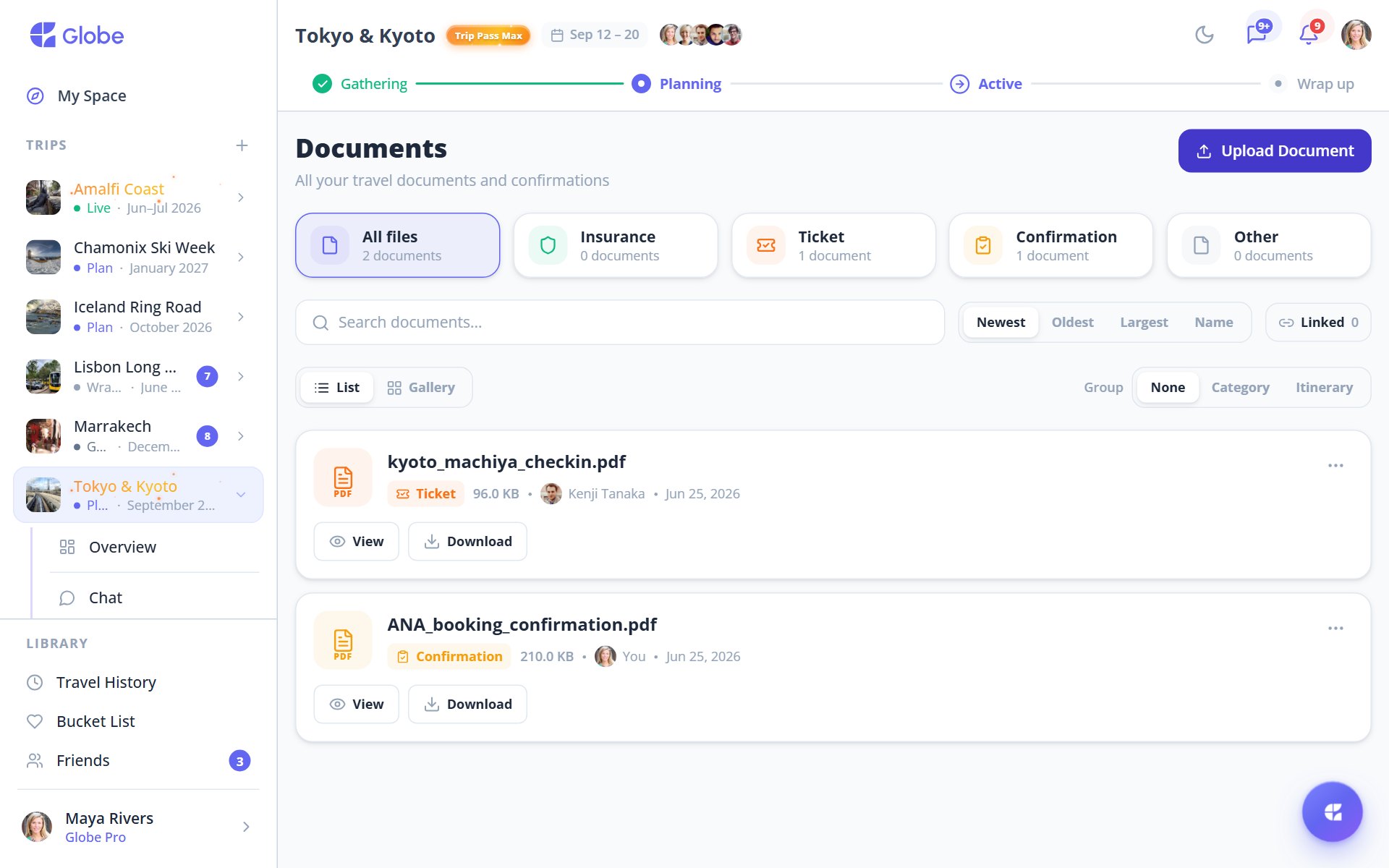
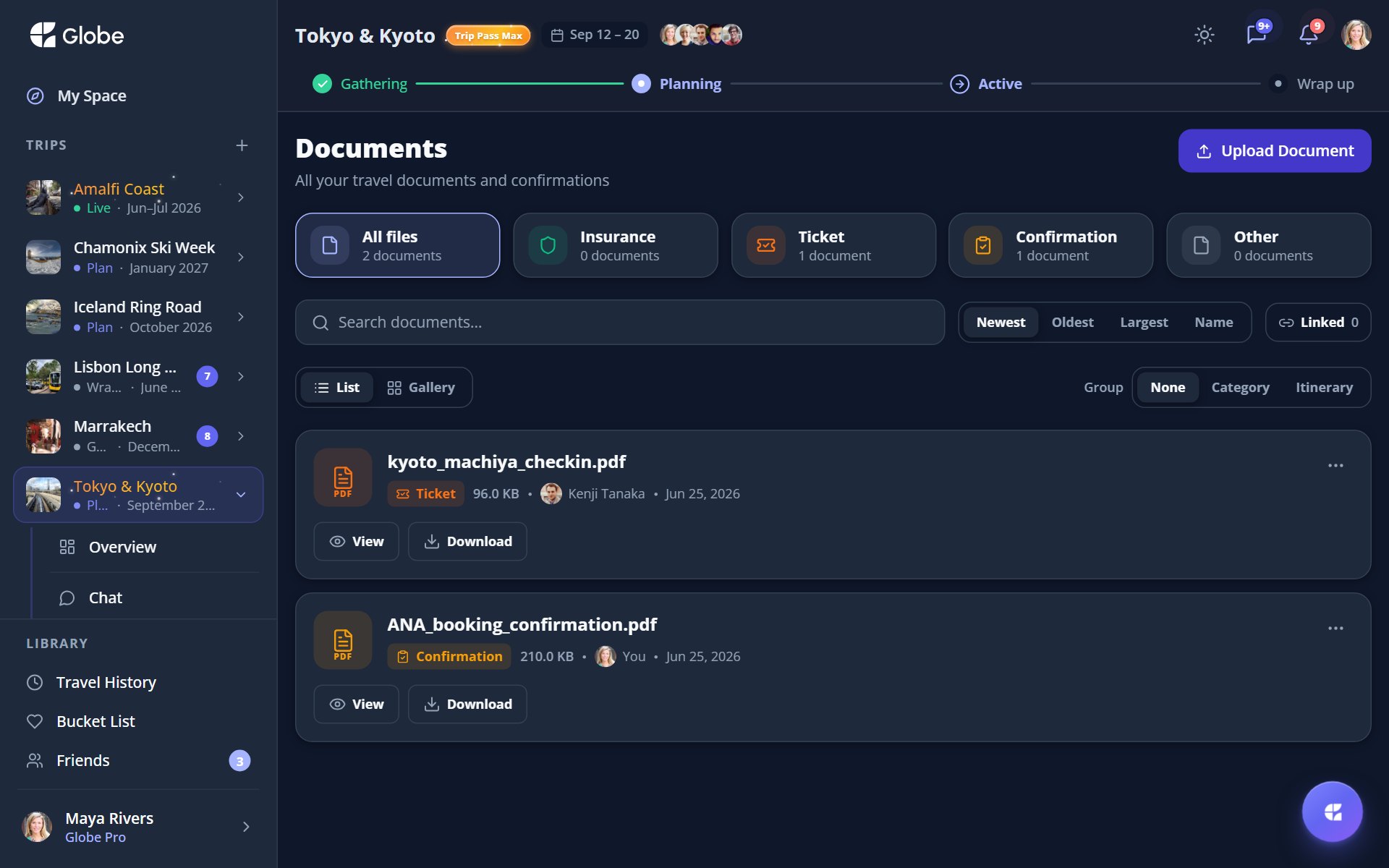
The Documents tab is where boarding passes, bookings, and travel paperwork live for the whole trip. Upload a file, file it under a category, and find it again in seconds. Before you fly, save the lot for offline so nothing depends on a signal.
Upload and sort
Add images (JPEG, PNG, WebP) or PDFs up to 10 MB each. Sort each file into a category so the right paper is easy to find when you need it most.
- PassportScans and photo pages for everyone travelling.
- VisaEntry permits and approval letters.
- InsurancePolicies and emergency contact details.
- TicketBoarding passes and event entry.
- ConfirmationBooking confirmations and reservation numbers.
- OtherAnything else worth keeping close.
Link it to the plan
Attach a document to a specific Planner activity and it shows up right where you need it. The boarding pass appears on the flight, the voucher on the museum visit. Search by name, group by None, Category, or Itinerary, switch between list and gallery views, and open any file in an in-app preview.
Ready for airplane mode
Before departure Globe nudges you to save your documents for offline use, so they open even with no connection. That ticket loads at the gate whether or not the airport WiFi cooperates.
- Group by Itinerary to see exactly which day each document belongs to.
- Save documents for offline before you leave WiFi, not after.
- Link the boarding pass to the flight so it surfaces on the right Planner activity.
Try Documents on a real trip.
Globe brings everything your group needs into one shared space. Free forever.