

The Globe Companion is the friendly floating button in the bottom-right corner of most screens. Tap it and it explains the screen you're on, hands you a few tips, and offers shortcuts straight to the thing you probably came to do.
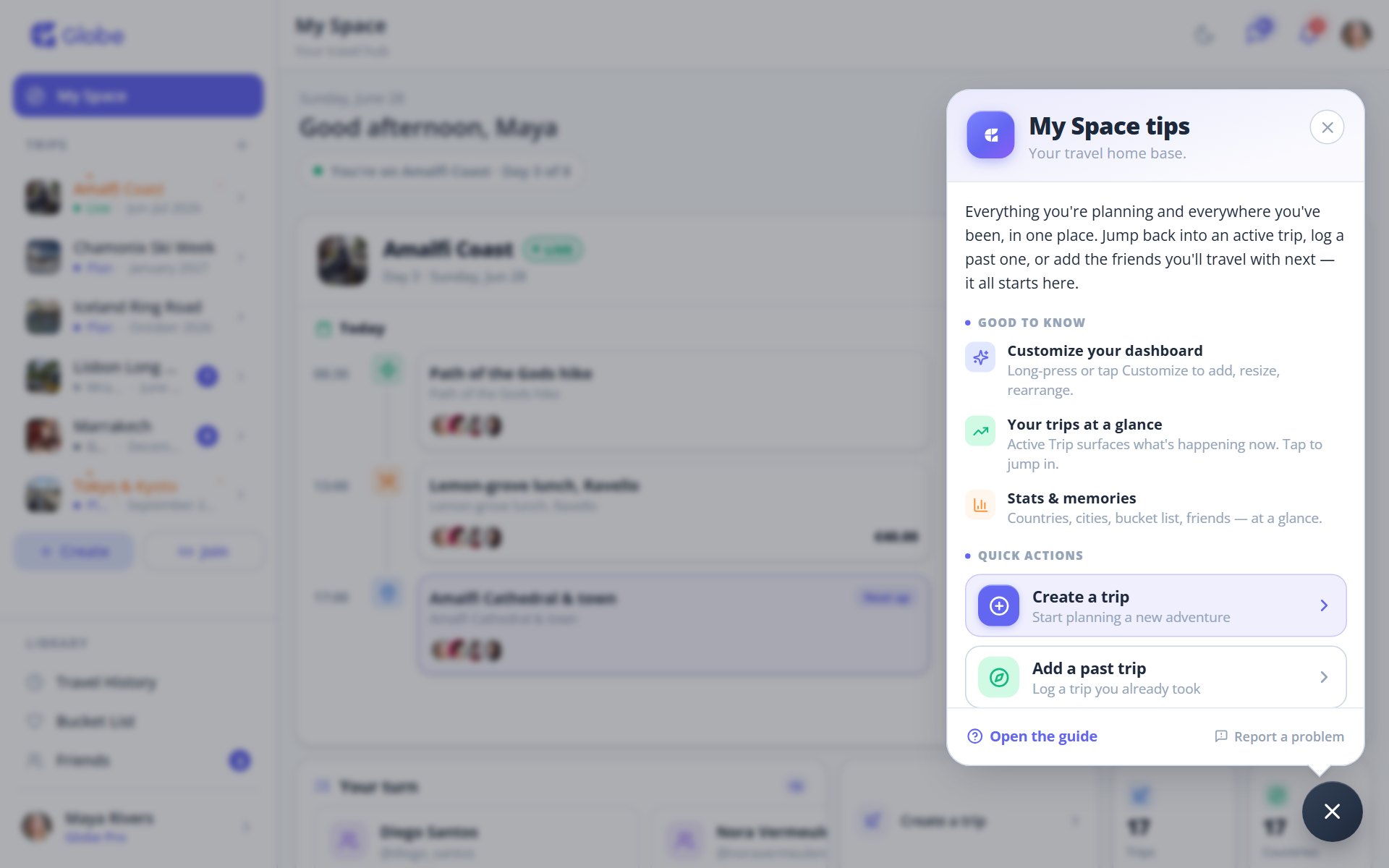
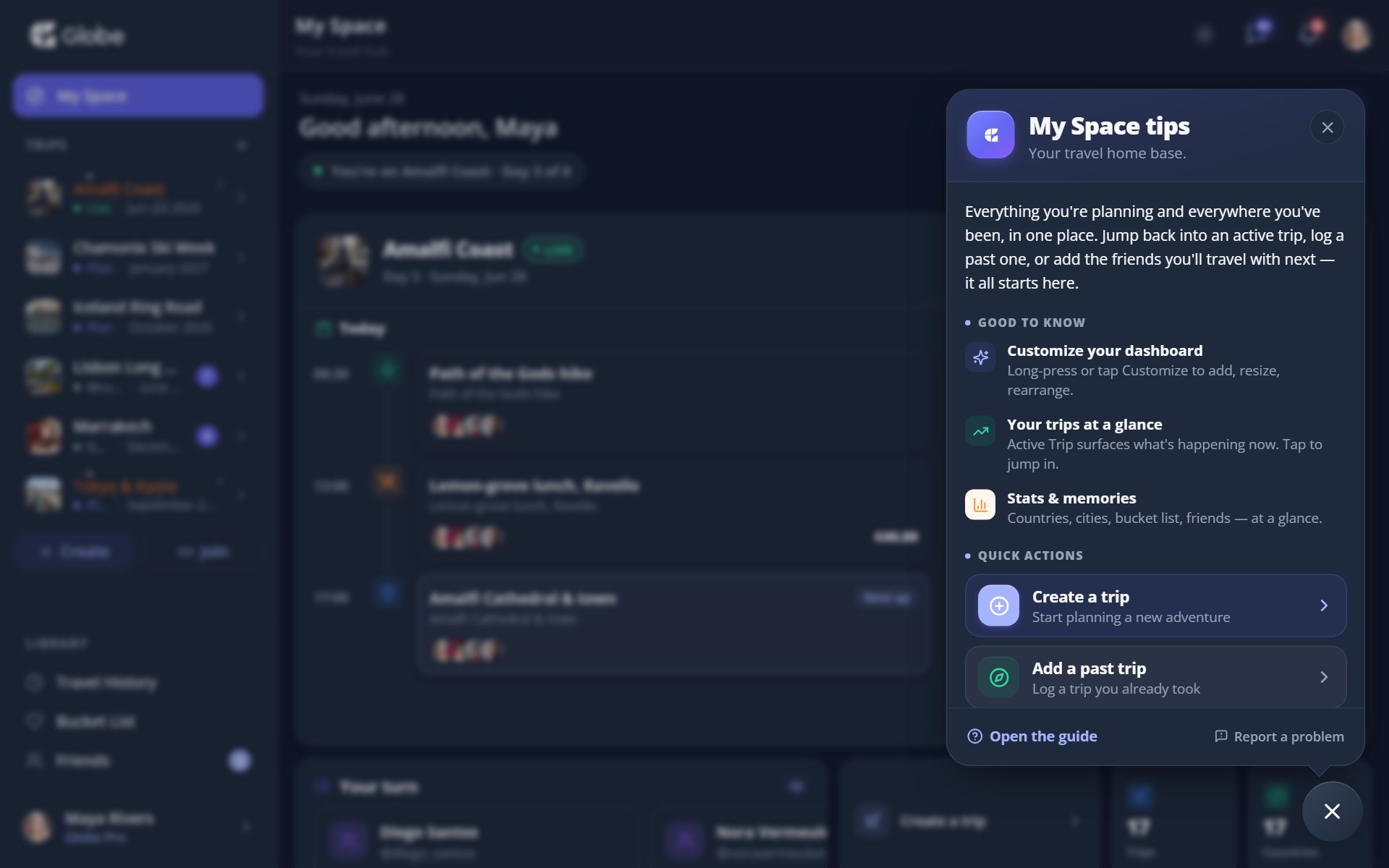
The Globe Companion: tips and quick actions for each screen.
What it gives you
Open the Companion and you get a quick explainer of the screen you're on, a few 'good to know' tips, and one-tap quick actions that jump you straight into the right place. No menu hunting, no guessing where a feature lives.
One-tap quick actions
- Add expenseDrop straight into logging a shared cost.
- Create noteOpen a fresh note without leaving where you are.
- Add friendJump to connecting with someone on Globe.
- Save a dreamAdd a place to your travel list in one tap, and more.
The Companion is also how you reach the team. Pick a category, write a description, and optionally add an email and a screenshot. Whether something broke or you've got an idea, your report or feedback goes from here.
Out of the way when you need focus
On full-screen surfaces like chat and the notes editor, the Companion steps aside so it never covers what you're working on.
Pro tips
- New to a screen? Tap the Companion first. The explainer is faster than digging.
- Found a bug? Attach a screenshot when you report it. It helps the team see what you saw.
Try Globe Companion on a real trip.
Globe brings everything your group needs into one shared space. Free forever.