

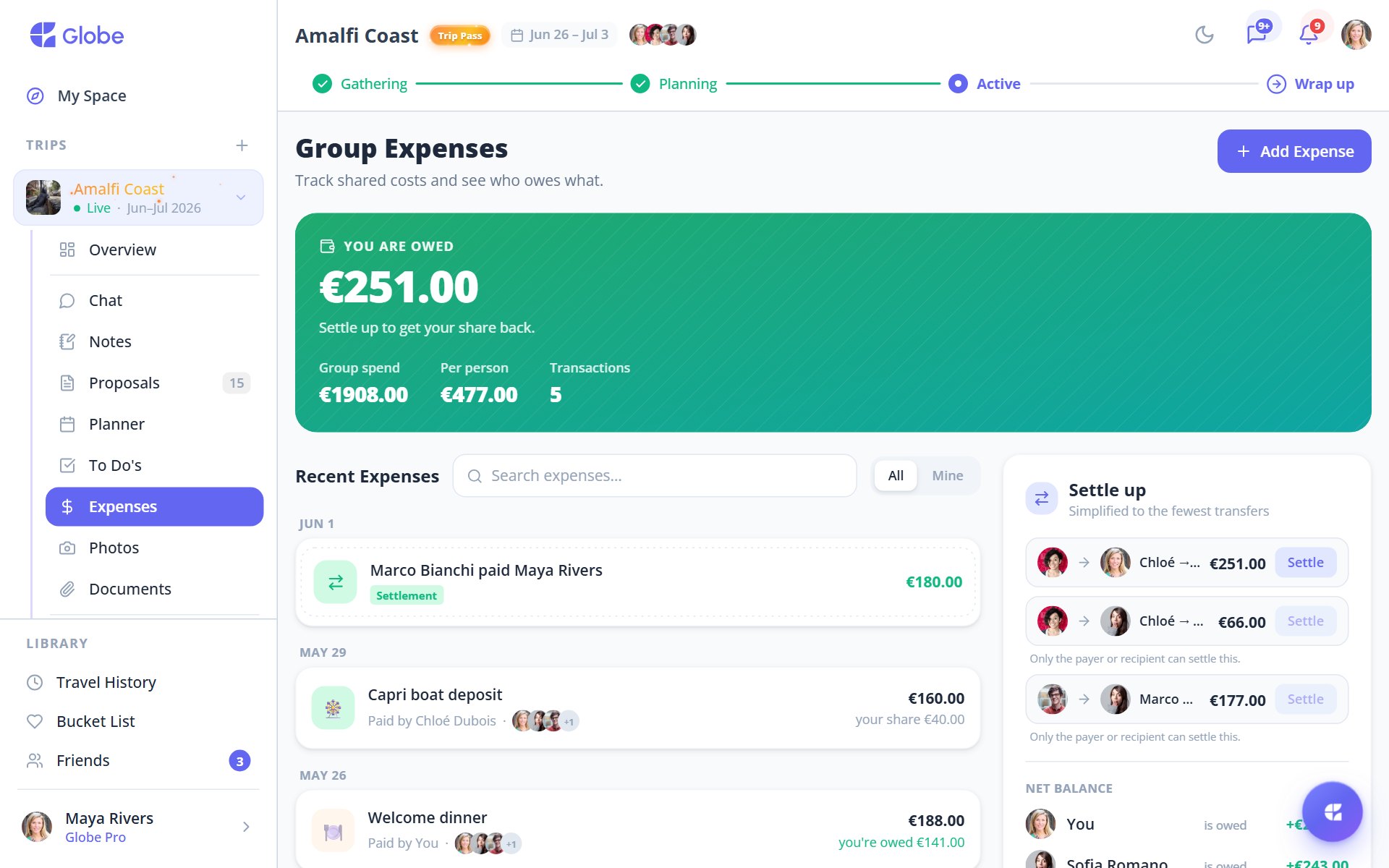
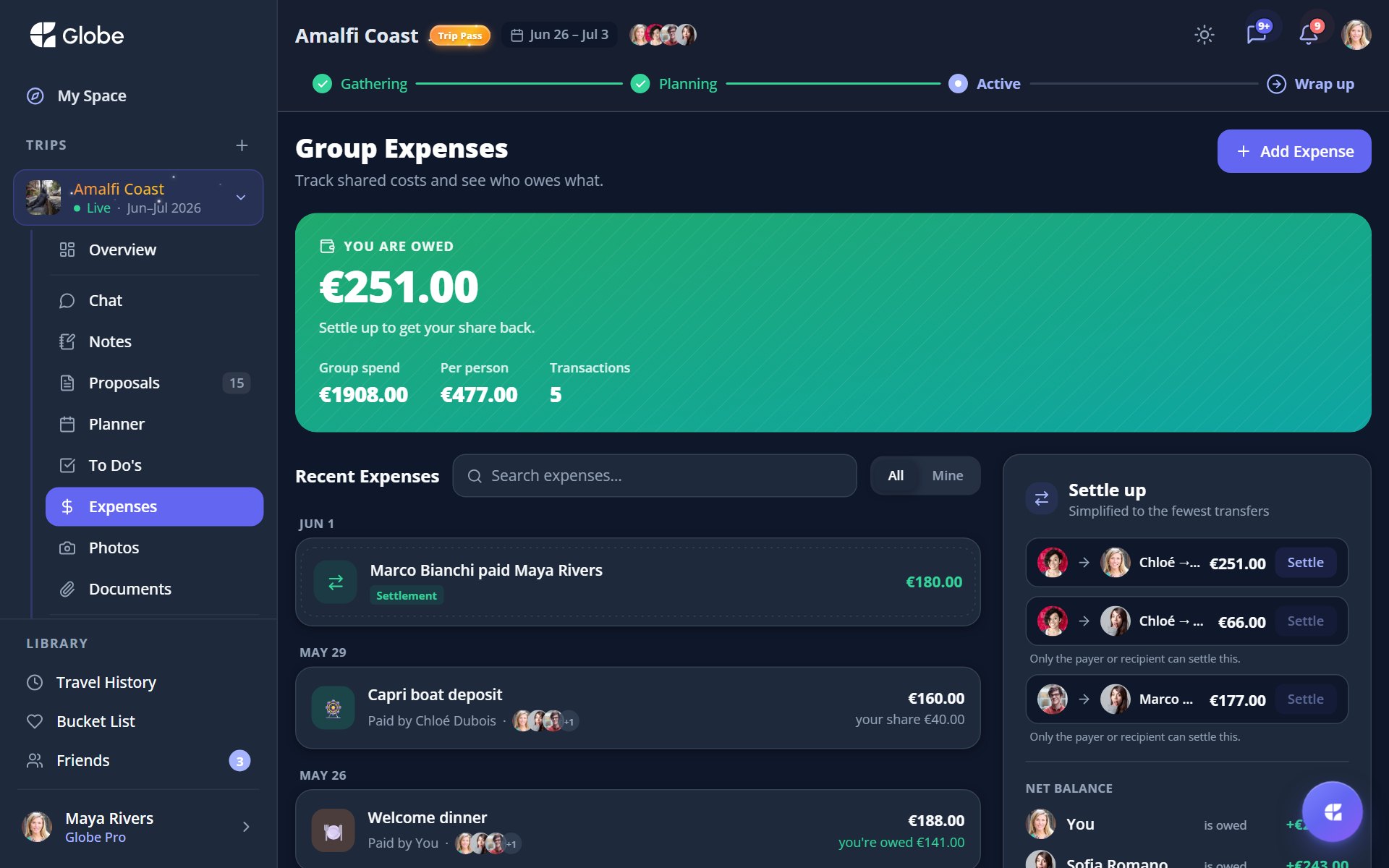
The Expenses tab keeps the money side of a trip honest. Log what each person paid, split it however the group agreed, and see at a glance whether you're owed or you owe. When it's time to square up, Globe shows the shortest path to zero.
Log an expense in seconds
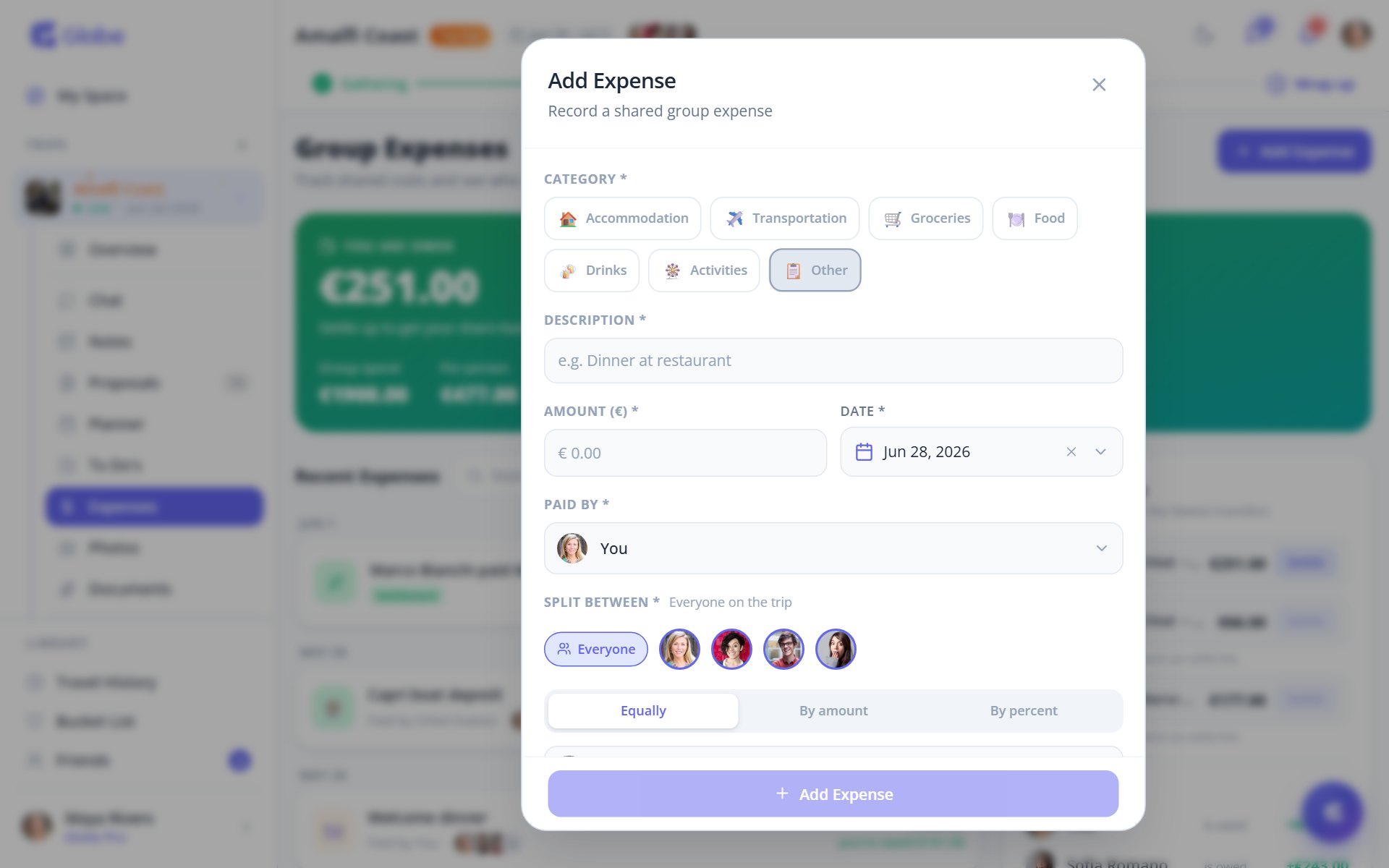
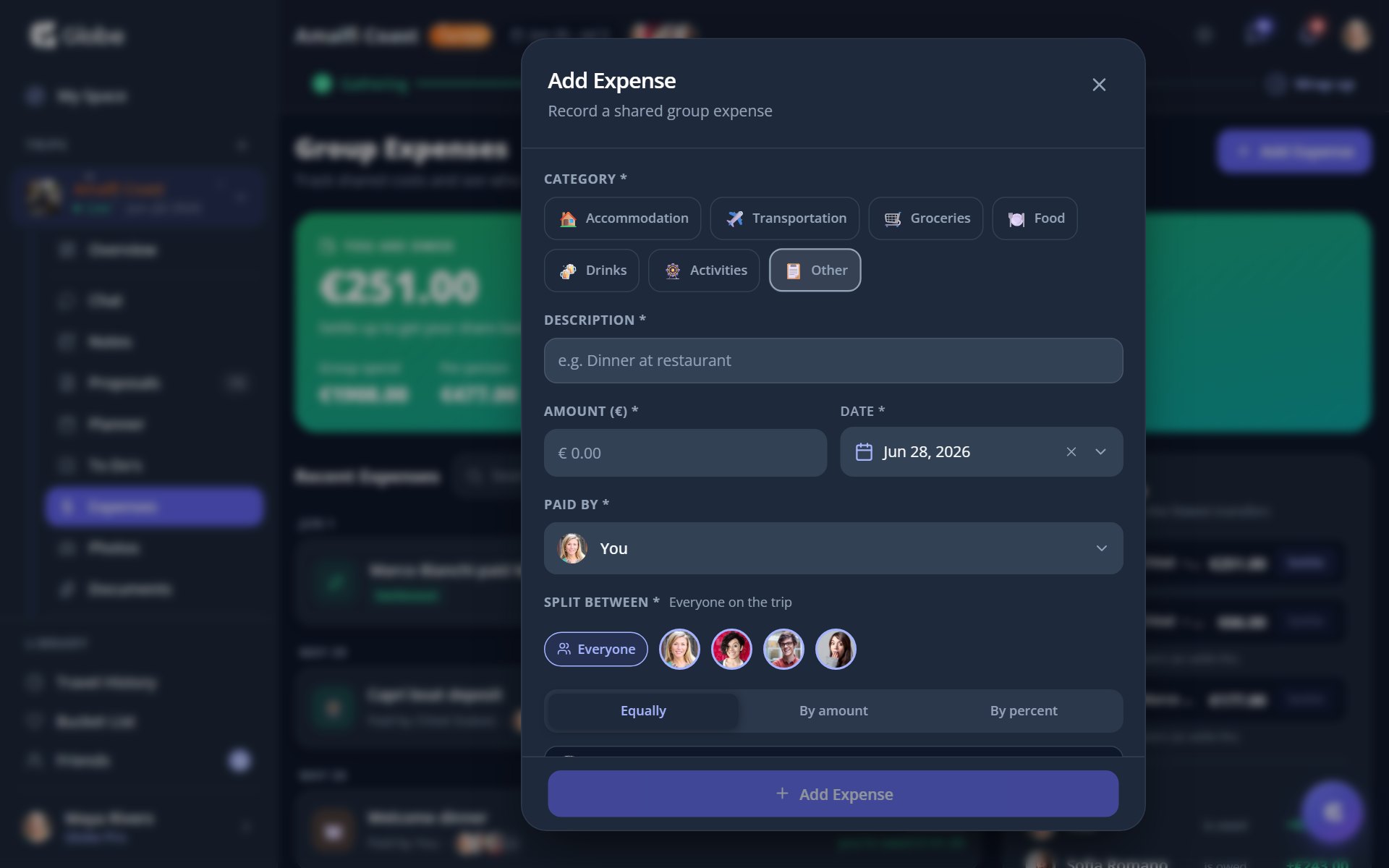
Add a description, an amount in the trip's currency, a category, and a date. Pick who paid and who it's split between. Everyone on the trip is selected by default, so most expenses are a few taps.
Split it three ways
Choose a split mode per expense. Equally divides it across everyone selected. By amount lets you set a custom figure per person. By percent does the same in shares that must total 100%. The running total tells you when the split balances.
- AccommodationHotels, rentals, and anywhere you crash for the night.
- TransportationFlights, trains, taxis, and fuel for the road trip.
- GroceriesSupermarket runs and self-catering supplies.
- FoodMeals out, snacks, and the group dinner nobody planned.
- DrinksBars, cafes, and the round someone insists on buying.
- ActivitiesTickets, tours, and the things you actually came for.
- OtherEverything that doesn't fit a neat box.
See the balance, then settle
A balance hero shows whether you're owed or you owe. The who-pays-whom card simplifies the whole group down to the fewest transfers. Tap Settle on a debt to record the payment. The by-category breakdown toggles between the group total and your share.
- On the free tier you can log up to 5 expenses per day per trip. Trip Pass removes the daily cap.
- An expense paid by a Globe Pro member doesn't count toward the daily cap.
- Use By percent when shares aren't even but you don't want to do the division yourself.
Try Expenses on a real trip.
Globe brings everything your group needs into one shared space. Free forever.