

After you log in, you land on My Space. It's an iOS-style grid of widgets you can arrange however you like. The hero "Up Next" launchpad reads your situation and surfaces the right thing, and a status pill under your greeting tells you where you stand at a glance.
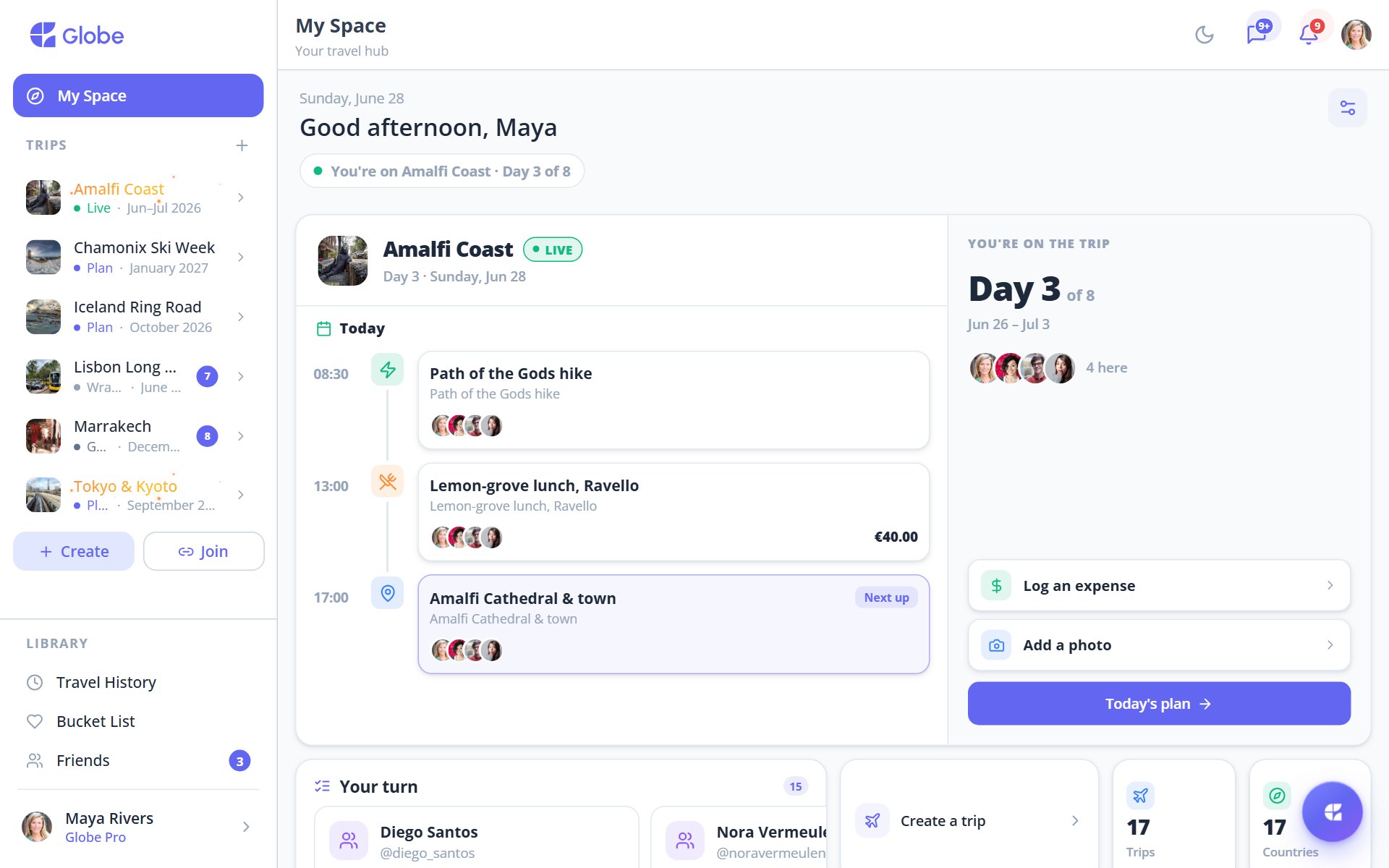
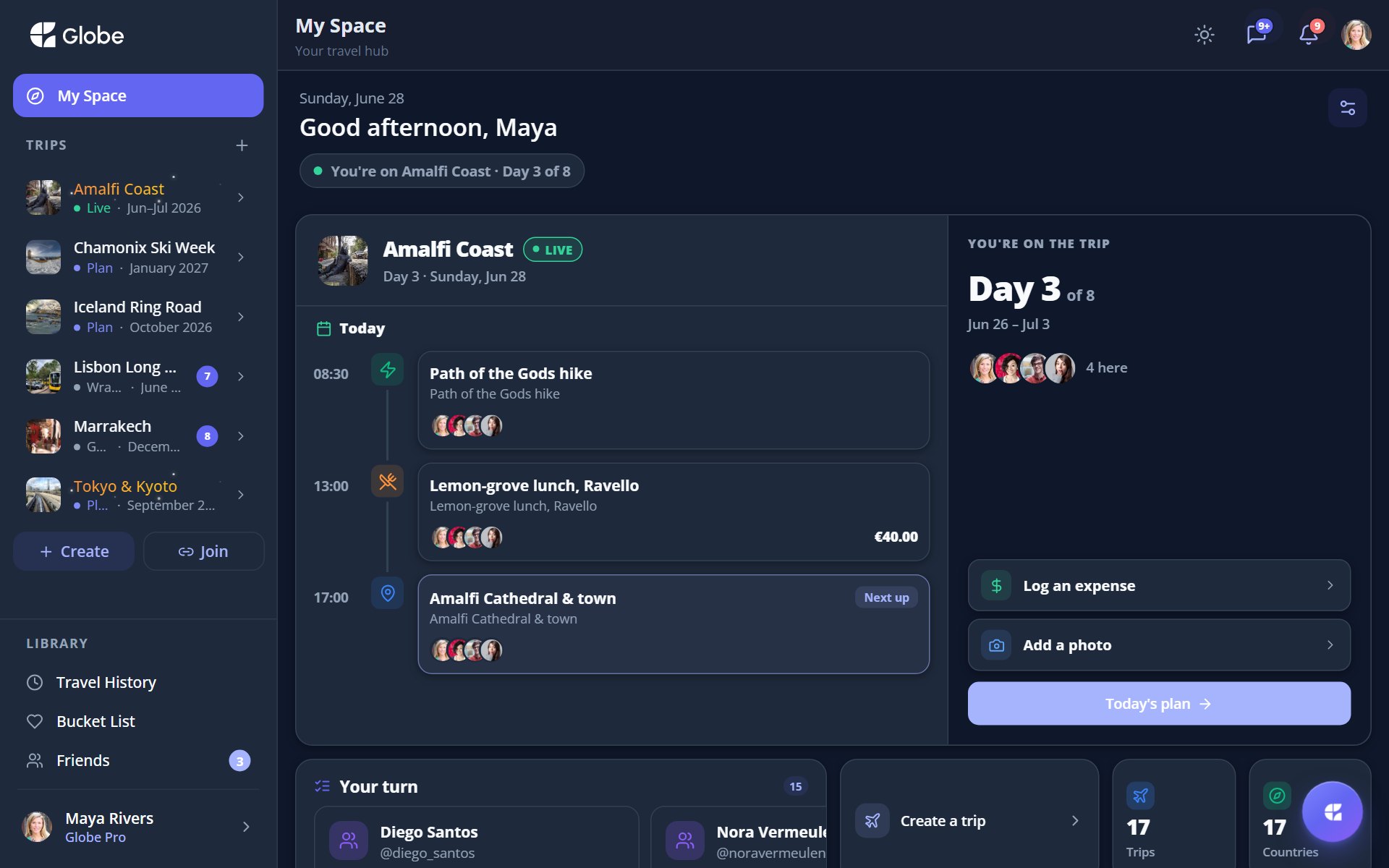
A status pill that reads the room
Under your greeting, a small pill reflects your state: "Getting started", "In a trip", "Planning upcoming", or "All caught up". The "Up Next" hero matches it. New here? You get welcome steps. On an active trip? Today's plan with a live countdown plus quick actions to Log expense or Add photo. Planning? Recent activity, days-to-go, members, and quick links into the trip. Between trips? An "all caught up" view with dream tiles.
The widgets you can add
Mix and match from a gallery of widgets, each one a window into part of your travel life.
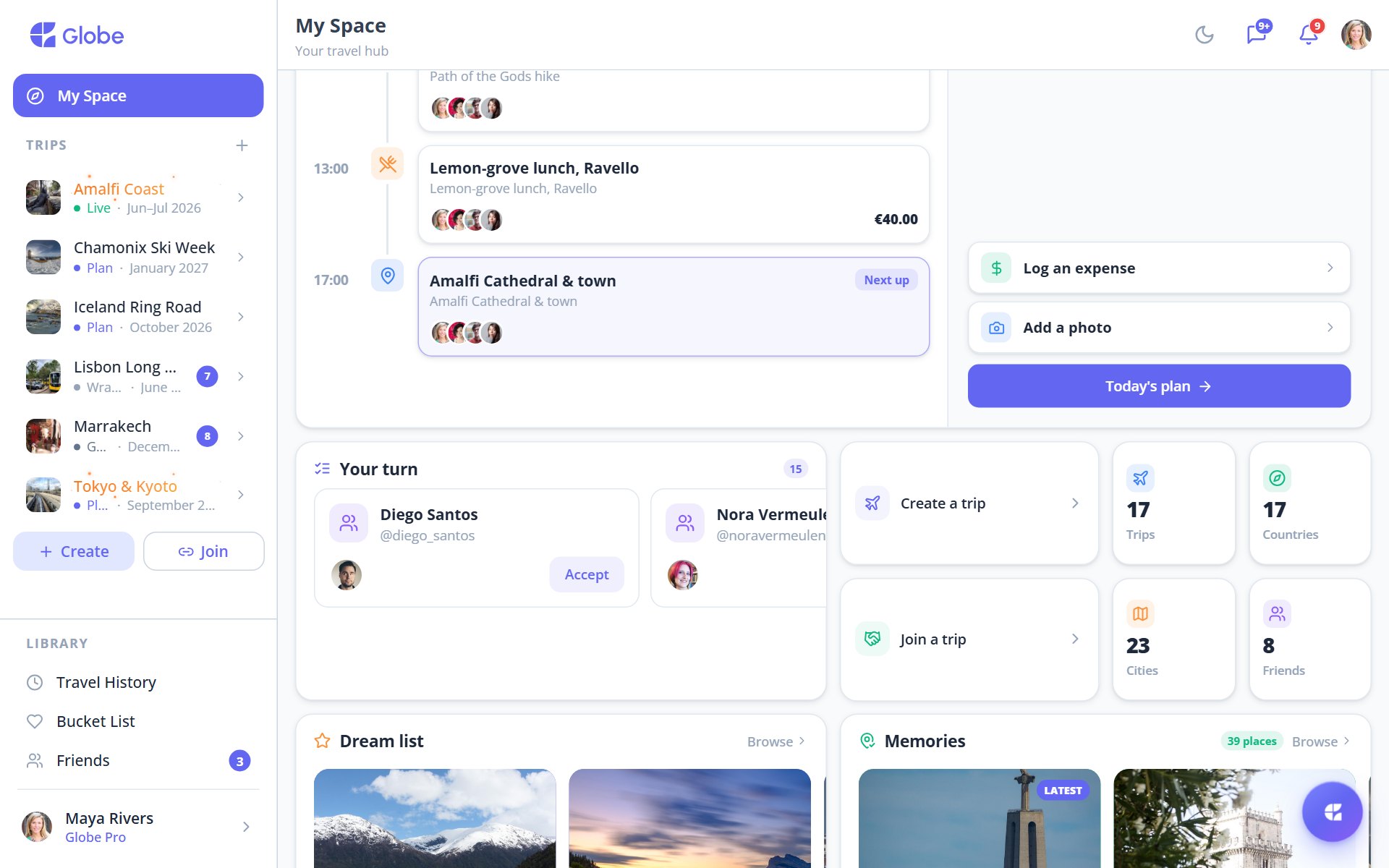
- Up NextThe state-aware launchpad hero that surfaces your next move.
- Your Trips & Your TurnAll your trips, plus cross-trip to-dos: invites, friend requests, missing trip input, overdue tasks, settle-up, unvoted polls, and wrap-up reminders.
- Quick ActionsJump straight to Create trip or Join with code.
- Dream List & FriendsYour saved dreams and the people you travel with.
- Travel StatsYour trips, countries, cities, dreams, and the percentage of the world you've explored.
- Memories & ActivityA gallery of past places and a live feed of what's happening across your trips.
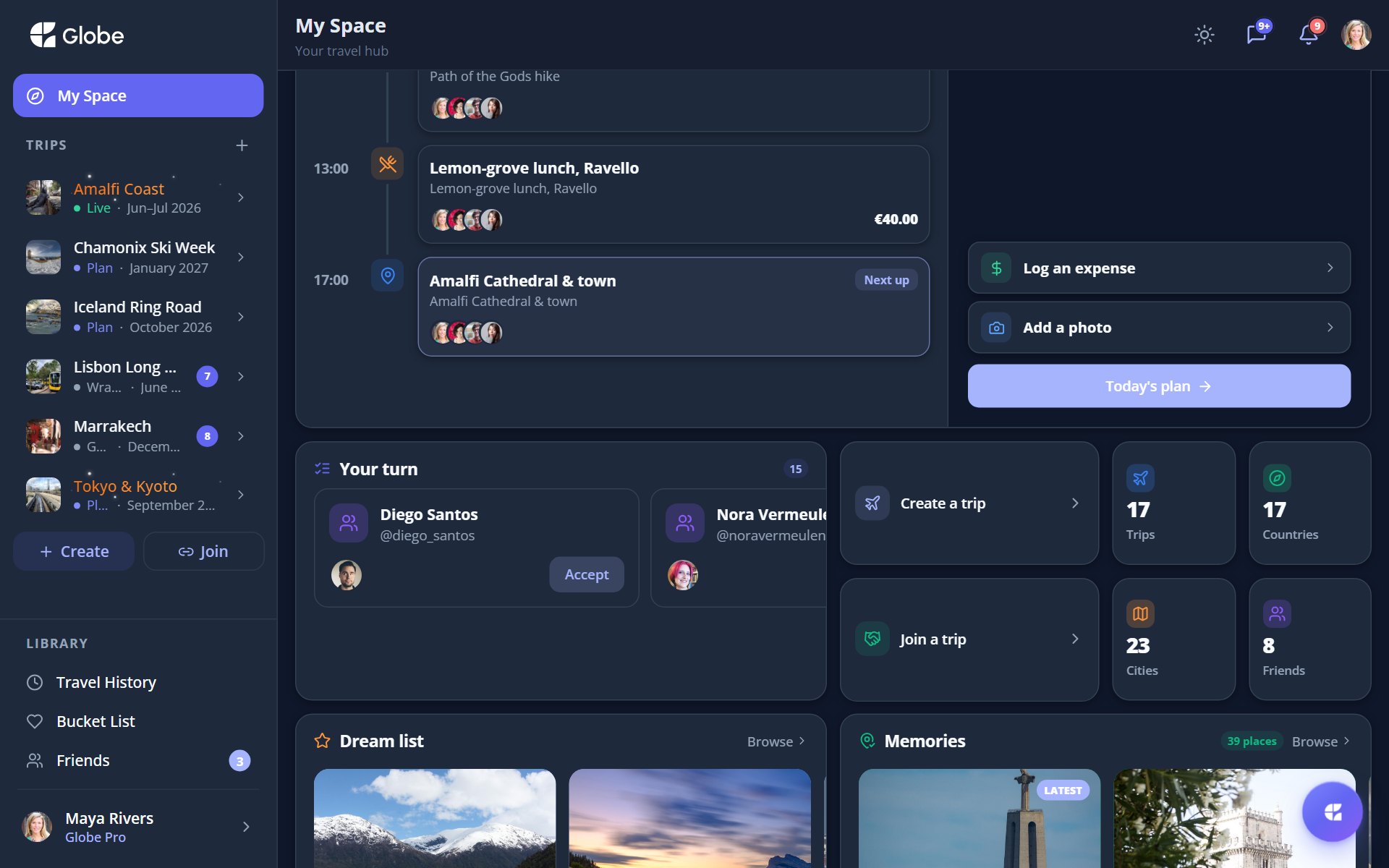
Make it yours
Long-press anywhere or tap "Customize" to enter edit mode. The grid jiggles, and you can add, remove, resize, and reorder widgets from the gallery. Made a mess? Undo and redo have your back, or reset to default and start fresh.
- Drop the Quick Actions widget up top so Create trip and Join with code are always one tap away.
- Check Your Turn first thing: it gathers loose ends from every trip in one place.
- If a layout experiment goes sideways, reset to default rather than fixing it widget by widget.
Try My Space on a real trip.
Globe brings everything your group needs into one shared space. Free forever.