

A trip isn't one big task, it's a sequence. Globe breaks it into four phases shown as a stepper on the trip's Overview tab: Gathering, Planning, Active, and Completed. Each phase puts the right work front and center. Every tab stays visible the whole time, so nothing disappears on you.


How the four phases flow
The trip advances one phase at a time, and each one has a clear job.
- GatheringStill figuring out who's in and when. Collect availability and budget with Trip Input, invite people, and chat it through.
- PlanningDates are locked. Build the Planner, vote on Proposals, and work through the To Do's.
- ActiveYou're on the trip. Overview shows "LIVE NOW · DAY X OF Y", today's schedule, weather, and quick expense and photo logging.
- CompletedThe trip wraps with a checklist: confirm visited places, add photos, leave a review, and settle up.
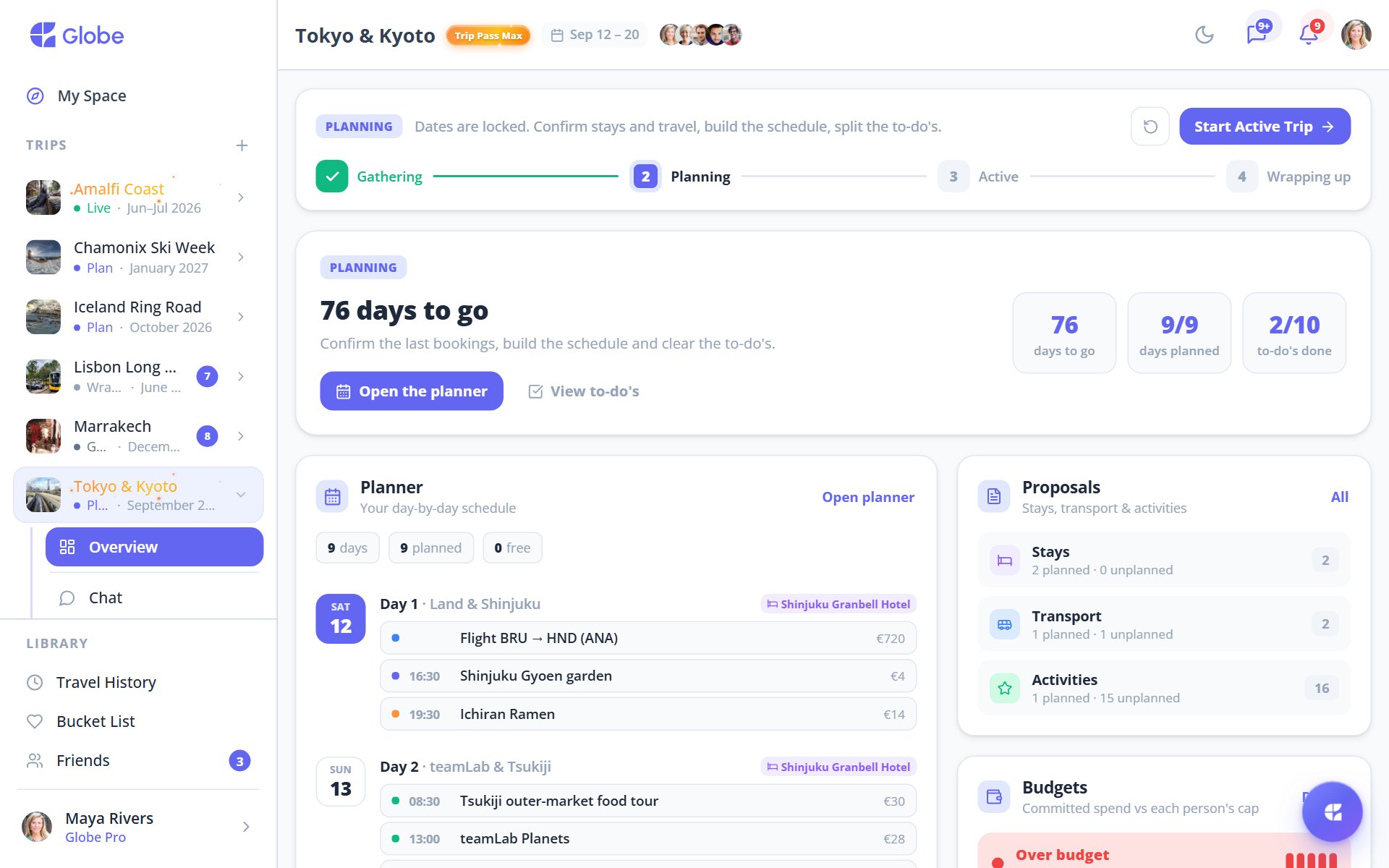
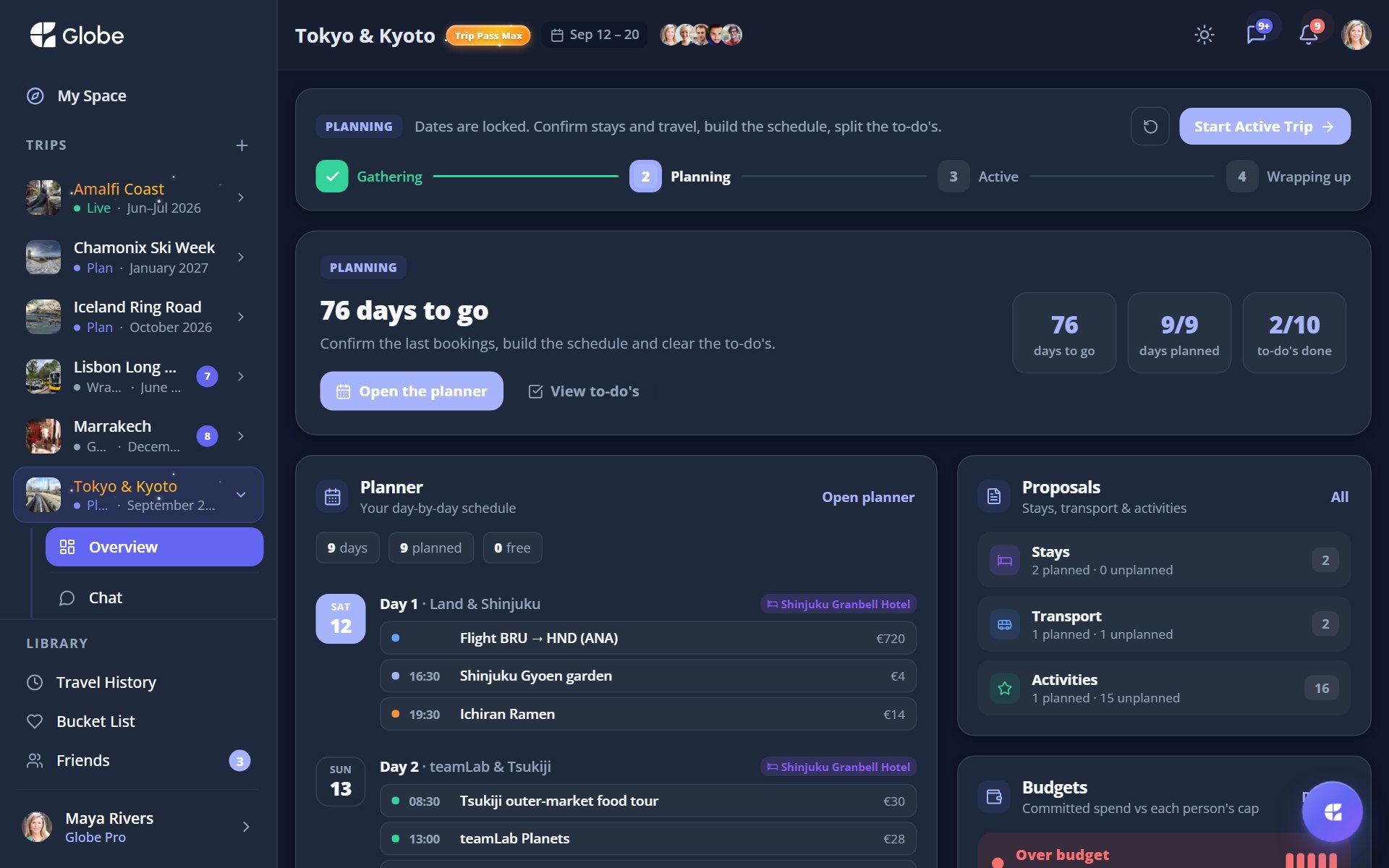
Tabs stay, edits lock
Tabs no longer hide per phase. Instead, certain edits lock when the timing is right: availability locks after Gathering, and adding participants locks once the trip is Active or Completed. You can always look, you just can't change things that have already been decided.
Who moves the trip forward
The organiser advances phases right from the stepper. Advancing Gathering to Planning confirms the dates for everyone. Once it's wrapped, the trip moves into your Travel History as a memory you can revisit.
- Lock dates only when you're sure, advancing to Planning confirms them for the whole crew.
- Knock out the Completed checklist while the trip is fresh so your Travel History stays accurate.
- If availability needs changing after Gathering, ask the organiser to revert the phase.
Try Trip Phases on a real trip.
Globe brings everything your group needs into one shared space. Free forever.